

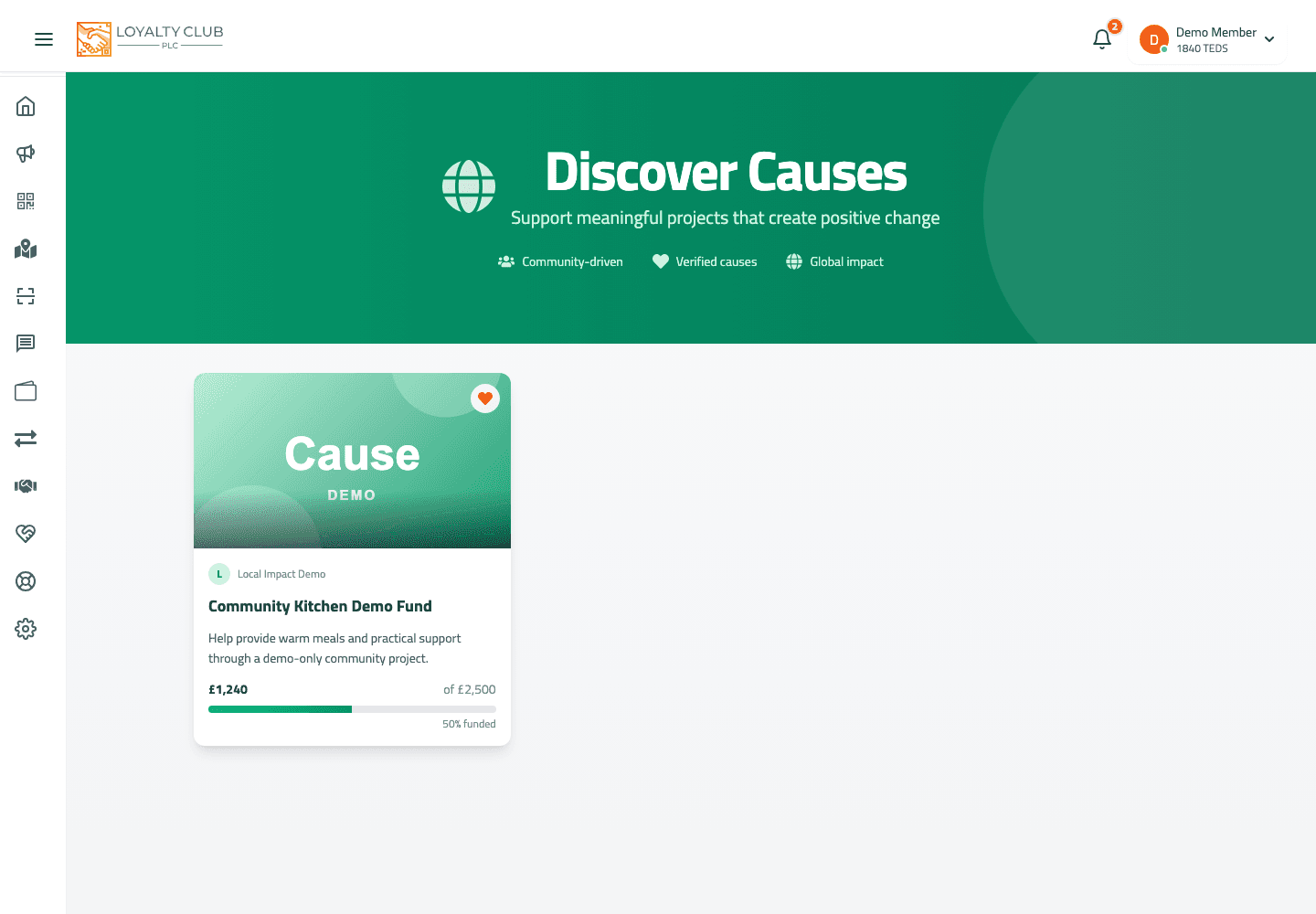
The Causes section lists causes you can donate TEDS to. Each cause has a target amount and a current-amount progress bar.
Donating
- 01Open the Causes index
Browse the available causes.
- 02Tap a cause
Opens the cause detail page with description, progress bar, and recent supporters.
- 03Tap Donate
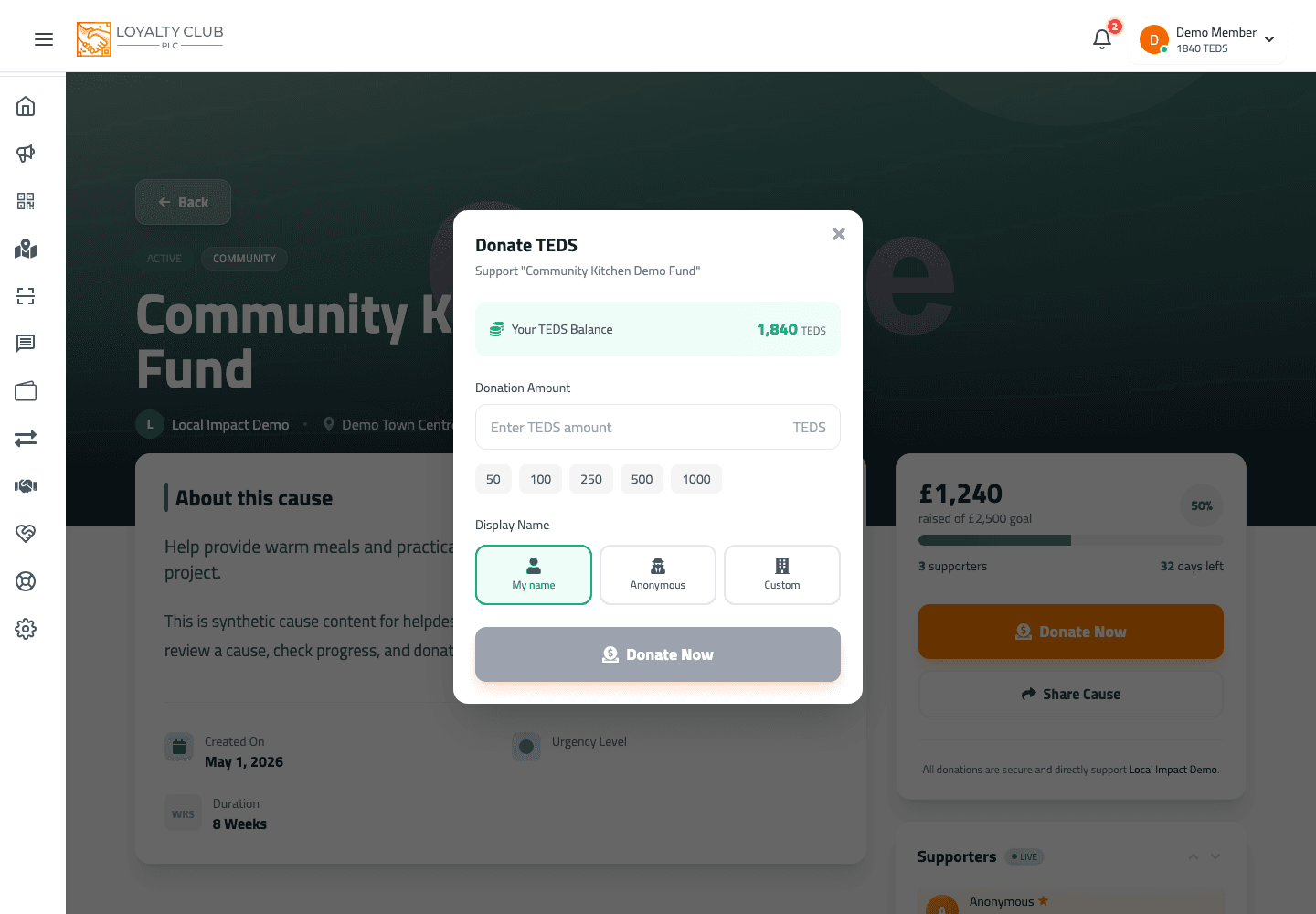
Opens the Donation modal.
- 04Pick a quick amount or enter a custom amount
Quick amounts (per the current modal): 50, 100, 250, 500, 1000 TEDS. Or type a custom amount.
- 05Confirm
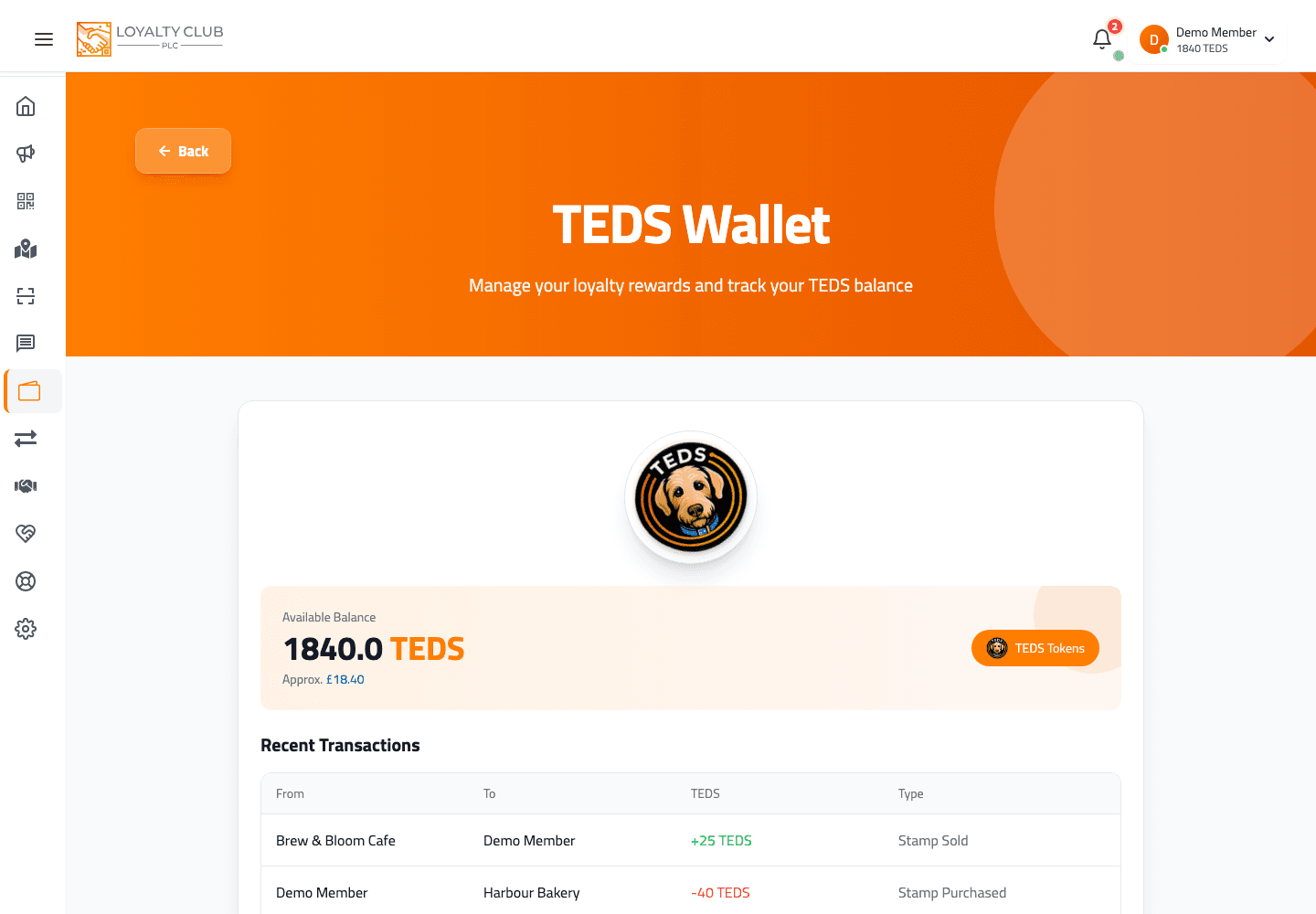
The TEDS deducts from your wallet. The cause progress bar updates.
What you can’t do
- Donate more than your wallet balance. The modal blocks amounts above your available TEDS.
- Donate 0 or invalid amounts. Validation prevents this.
In one sentence
Causes → pick a cause → Donate → quick amount (50/100/250/500/1000 TEDS) or custom → confirm.