

If you know another business that should be on Loyalty Club, share your referral code or link from the Refer A Partner page. You earn £25 when they sign up.
Your referral code and link
Open /refer-a-partner (visible to ClientUser owners only). The page shows:
- Your unique referral code.
- Your referral link:
https://www.loyaltyclubplc.com/partners?ref={your-code}.
Both work the same way — share whichever fits the channel.
Sharing channels
The page provides pre-populated share templates for each of:
- Twitter (X)
Plus a "Copy code" action for plain copy-paste.
The templates mention the reward you earn as the social proof, alongside your code.
Submitting a referral on someone’s behalf
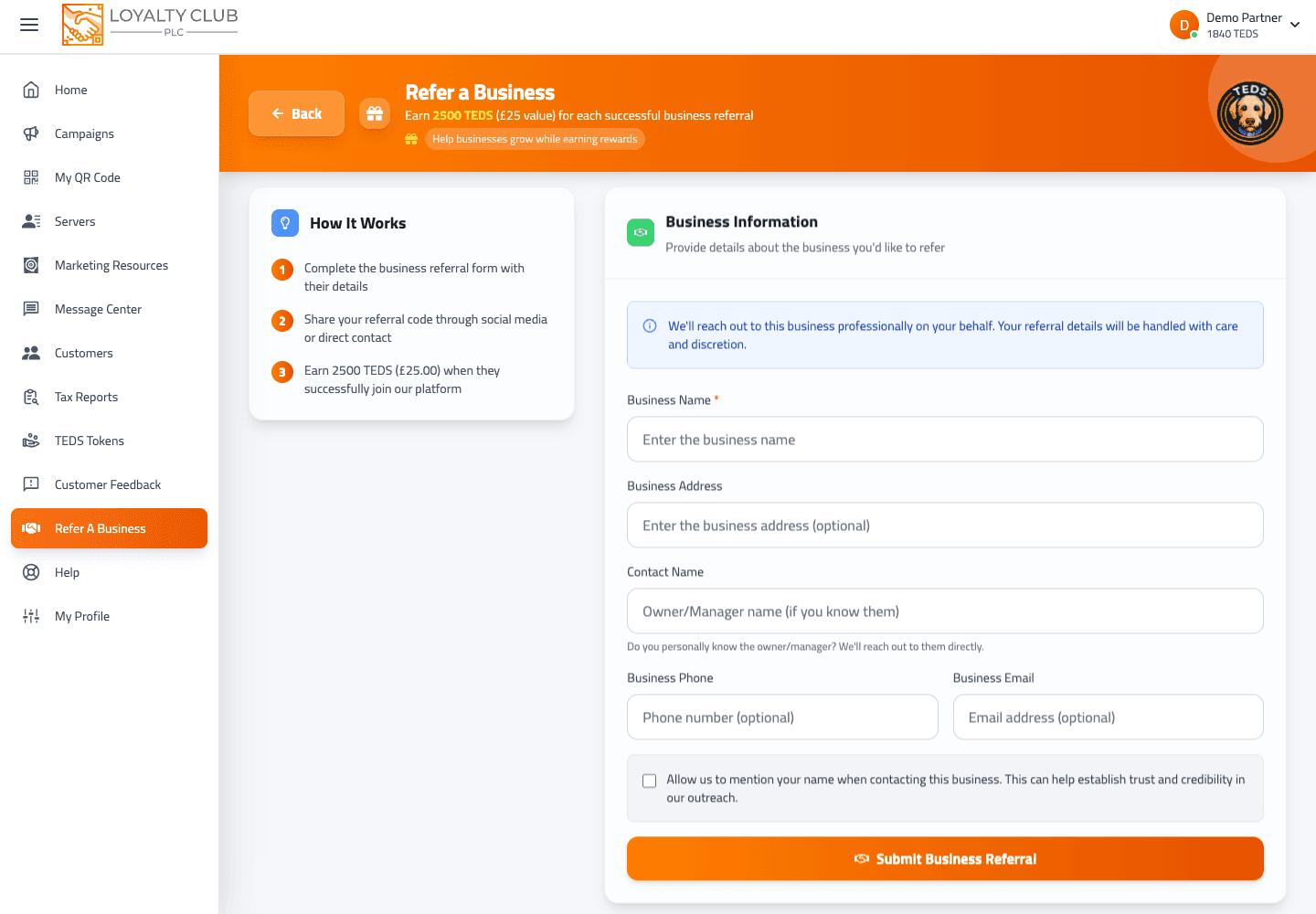
The page also includes a form where you can fill in the referred business’s details (e.g. business name, email — exact field set varies). Submitting the form sends the referral via /refer-partner.
Tracking your referrals
The same page surfaces your introduced clients (/get-referred-partners endpoint) as a table:
- Business Name
- Reward awarded — always £25 for confirmed signups.
- Date Signed Up
So the table only includes businesses that have completed signup and triggered the reward. Referrals you’ve made that haven’t signed up yet aren’t separately tracked in the current interface.
What to know
- Referral funnel tracking — there’s no visible "Submitted / Contacted / In conversation" funnel; only successful signups appear.
- Whether the share form requires all fields filled or accepts partial data — varies; check the form.
In one sentence
/refer-a-partner → grab your code or link → share via Email / WhatsApp / Twitter / LinkedIn / Facebook → £25 when they sign up.