

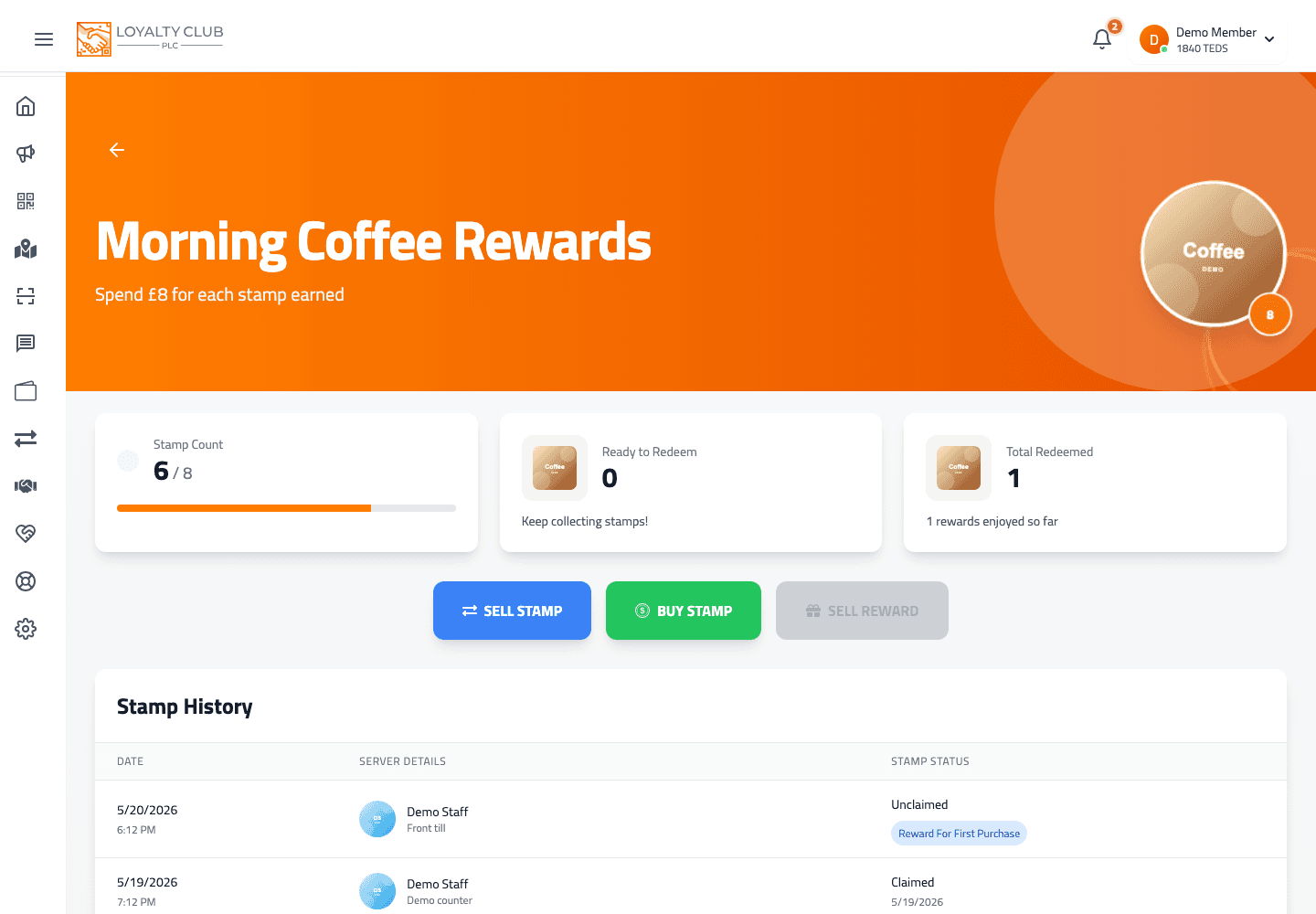
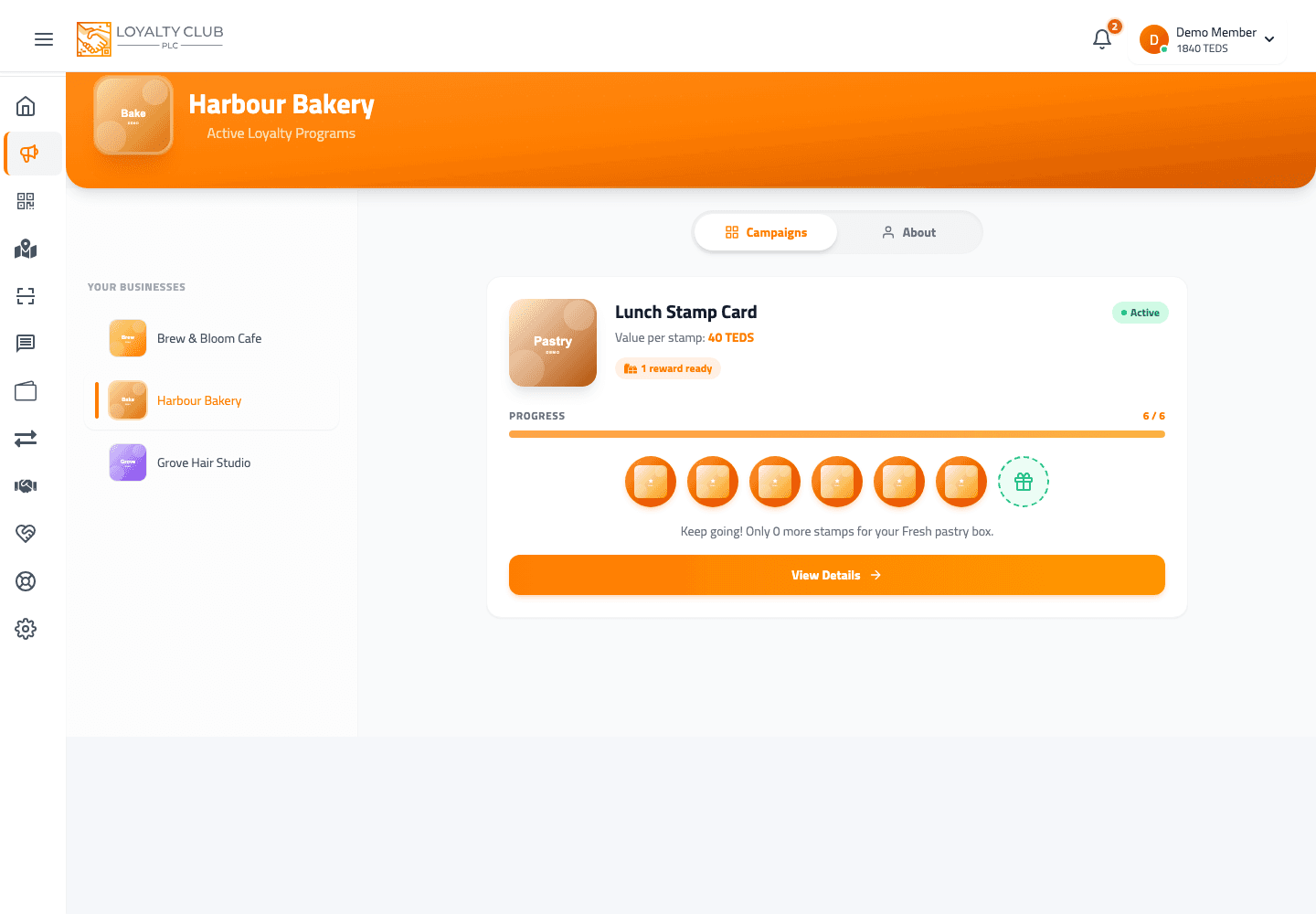
There are two ways to turn loyalty into TEDS, both available from a campaign’s detail page in the app:
- Exchange a single stamp for TEDS — sell stamps individually as you collect them.
- Exchange a completed reward for TEDS — once a stamp card is full, swap the reward itself for TEDS instead of redeeming it in-shop.
The campaign also lets you buy stamps using TEDS (the reverse direction) — see Spending TEDS on other partners.
How a reward’s TEDS value is calculated
The reward value is calculated as TEDS per stamp multiplied by the stamp goal.
So a campaign with a goal of 10 stamps and 100 TEDS per stamp gives a reward worth 1,000 TEDS (£10) when exchanged.
When the partner’s wallet is insufficient
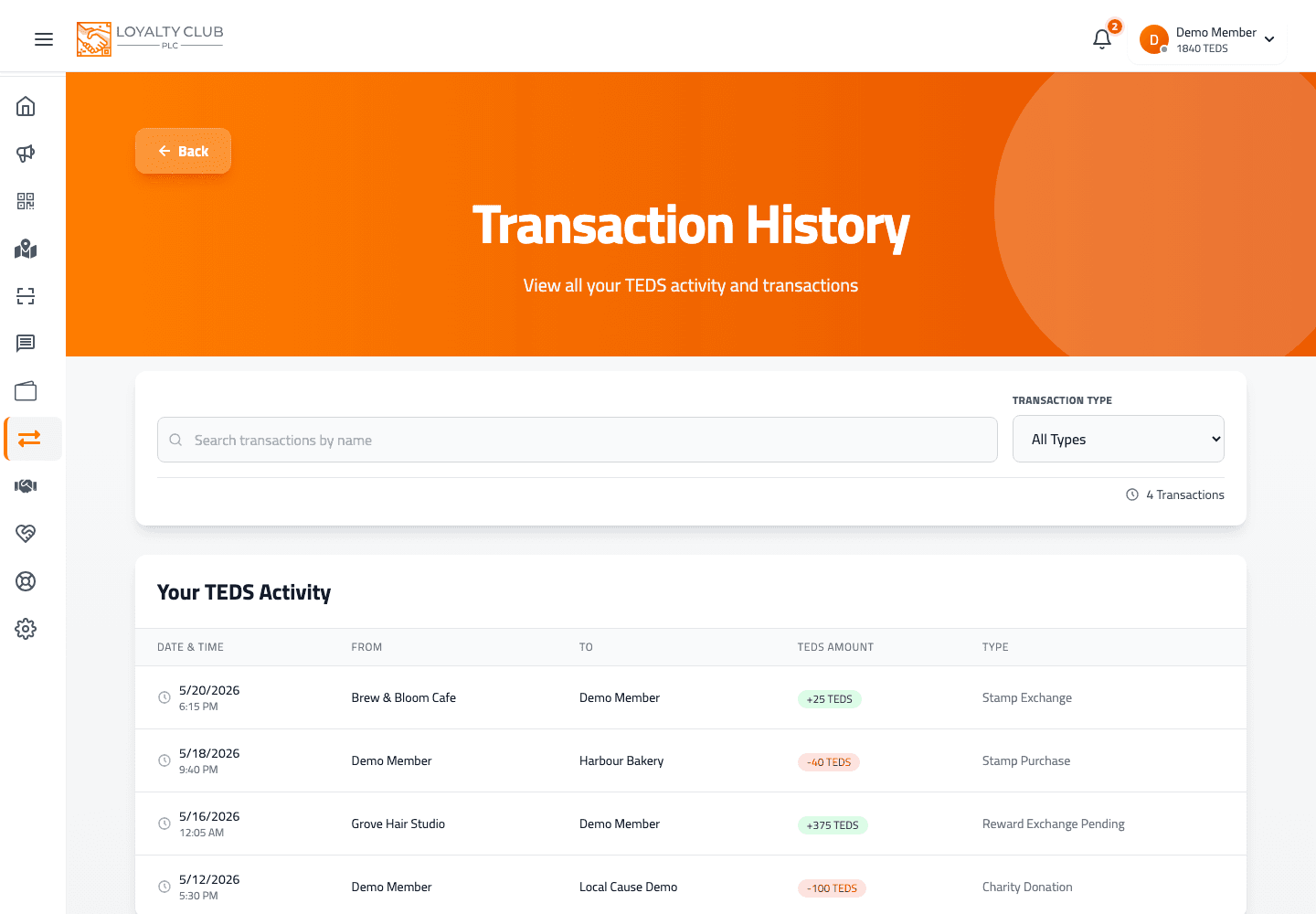
If your exchange happens at a moment when the partner’s TEDS wallet is too low to fully fund it, the transaction is recorded as stamp-exchange-pending or reward-exchange-pending in your transaction history. The TEDS still credit to your balance (your headline number includes pending TEDS); the partner-side settlement is what’s outstanding.
The current interface doesn’t show a specific deadline for pending exchanges to clear — see Understanding pending vs available TEDS.
What to know
- Exact button labels and confirmation copy in the campaign detail page — these can vary by campaign state.
- The 90% / 10% split — do not rely on older 90/10 references; the member interface does not show a network-fee split, and support can confirm the latest rule if you need it.
In one sentence
Per-campaign actions: exchange a stamp → TEDS, exchange a completed reward → TEDS, or buy stamps using TEDS. Pending state if partner’s wallet is short.