

You can spend TEDS to buy individual stamps on a partner’s campaign. Useful when you’re close to the goal and want to push it forward.
How
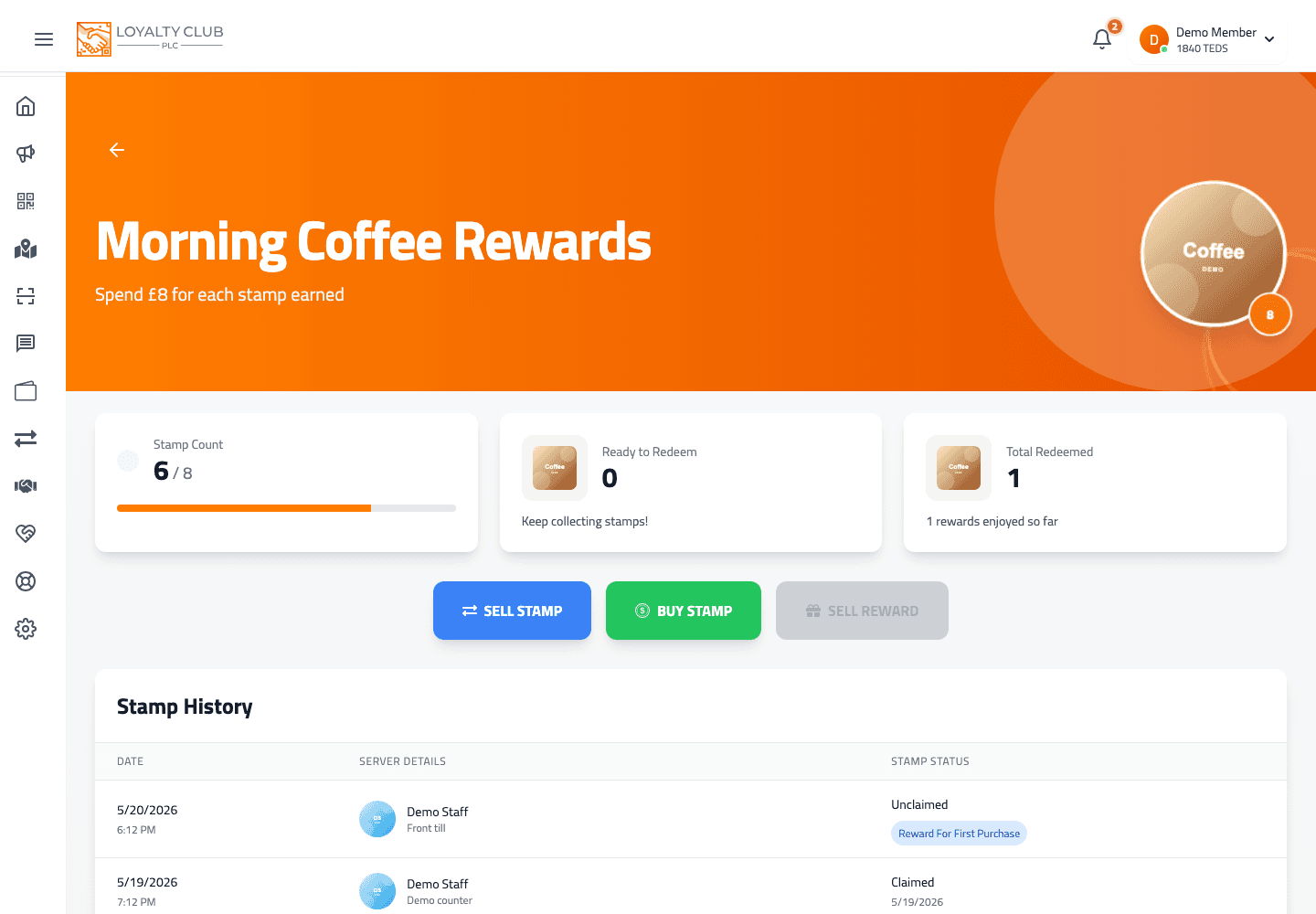
On a campaign’s detail page in the app, the Buy Stamp action triggers buyStampForTeds. The cost per stamp is the campaign’s tedsPerStamp value (set by the partner when they enabled TEDS on the campaign).
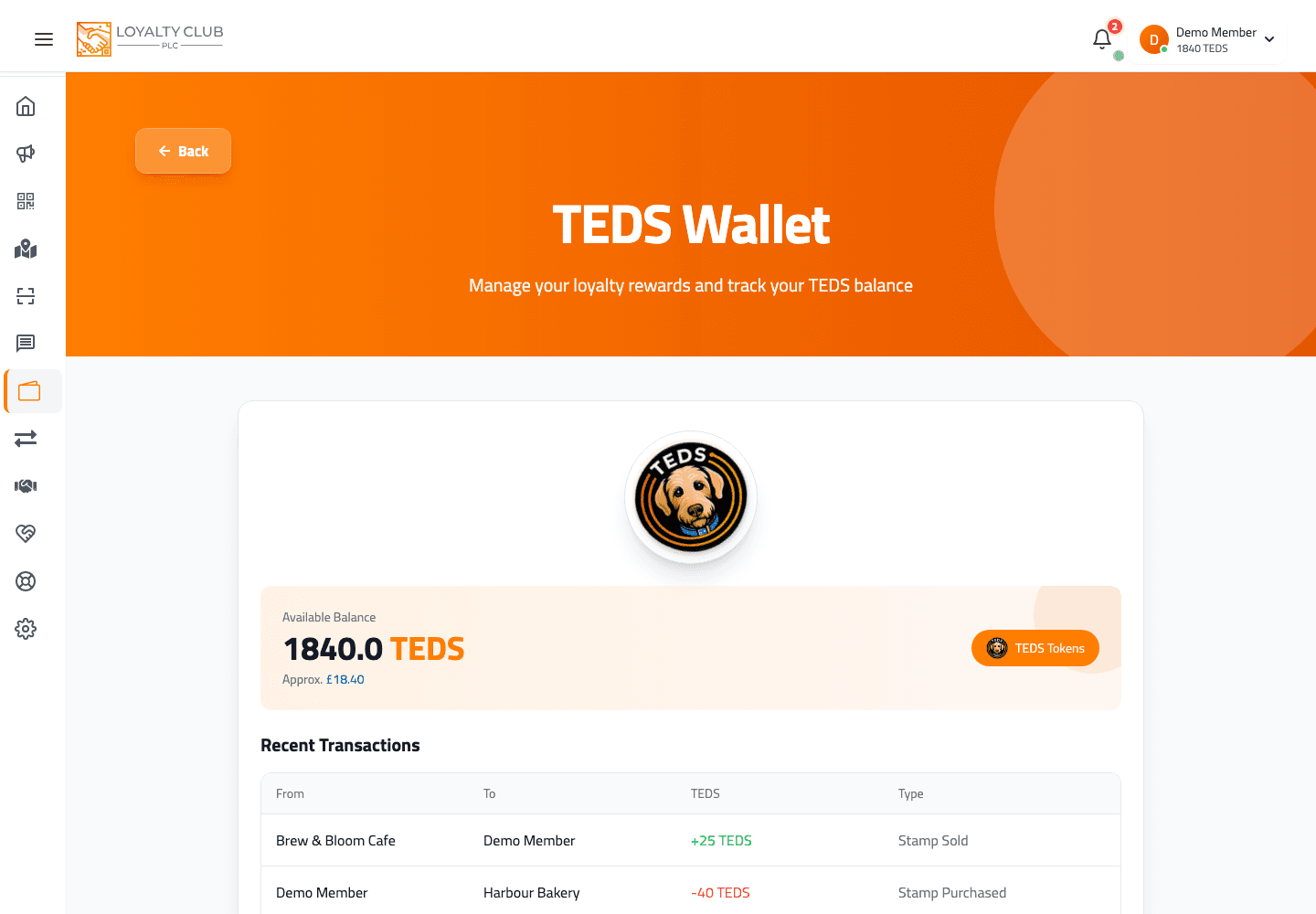
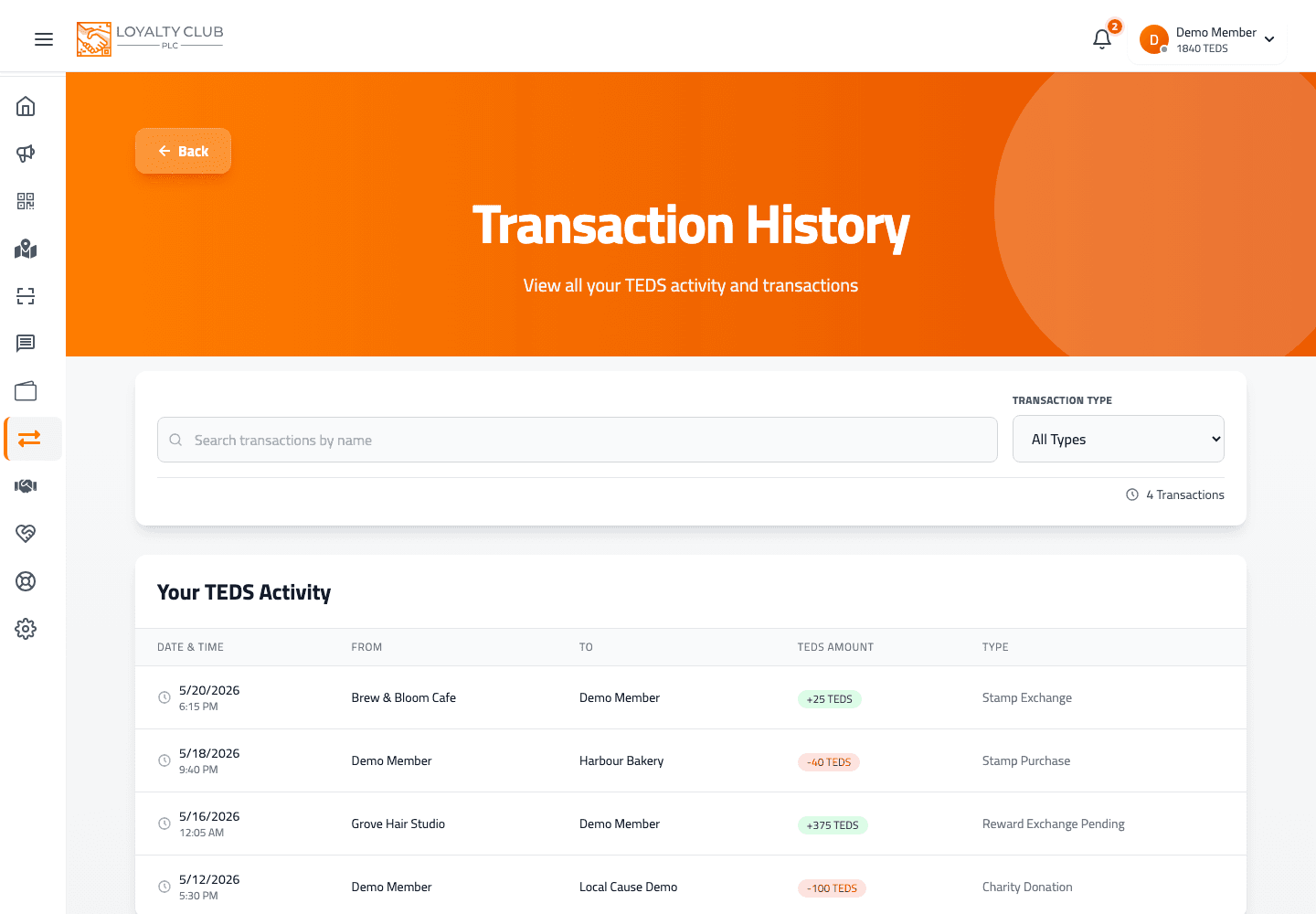
The TEDS deducts from your wallet; the stamp lands on your card.
Where it works
Any campaign that has the partner’s TEDS Trading System toggle enabled. If a campaign isn’t TEDS-enabled, the buy-stamp action isn’t offered.
What to know
- Exact button label and confirmation flow — varies by state and wasn’t fully transcribed here.
- Partial / multi-stamp purchases — whether you can buy multiple stamps in one action wasn’t verified.
In one sentence
Open a TEDS-enabled campaign → tap Buy Stamp → TEDS deducts, stamp lands.