

Lost your phone? Your Loyalty Club account is safe — it’s server-side. Recovery is just a normal sign-in on a new device.
The recovery path
- 01Get any device with the app installed
iOS, Android, or the web app.
- 02Sign in
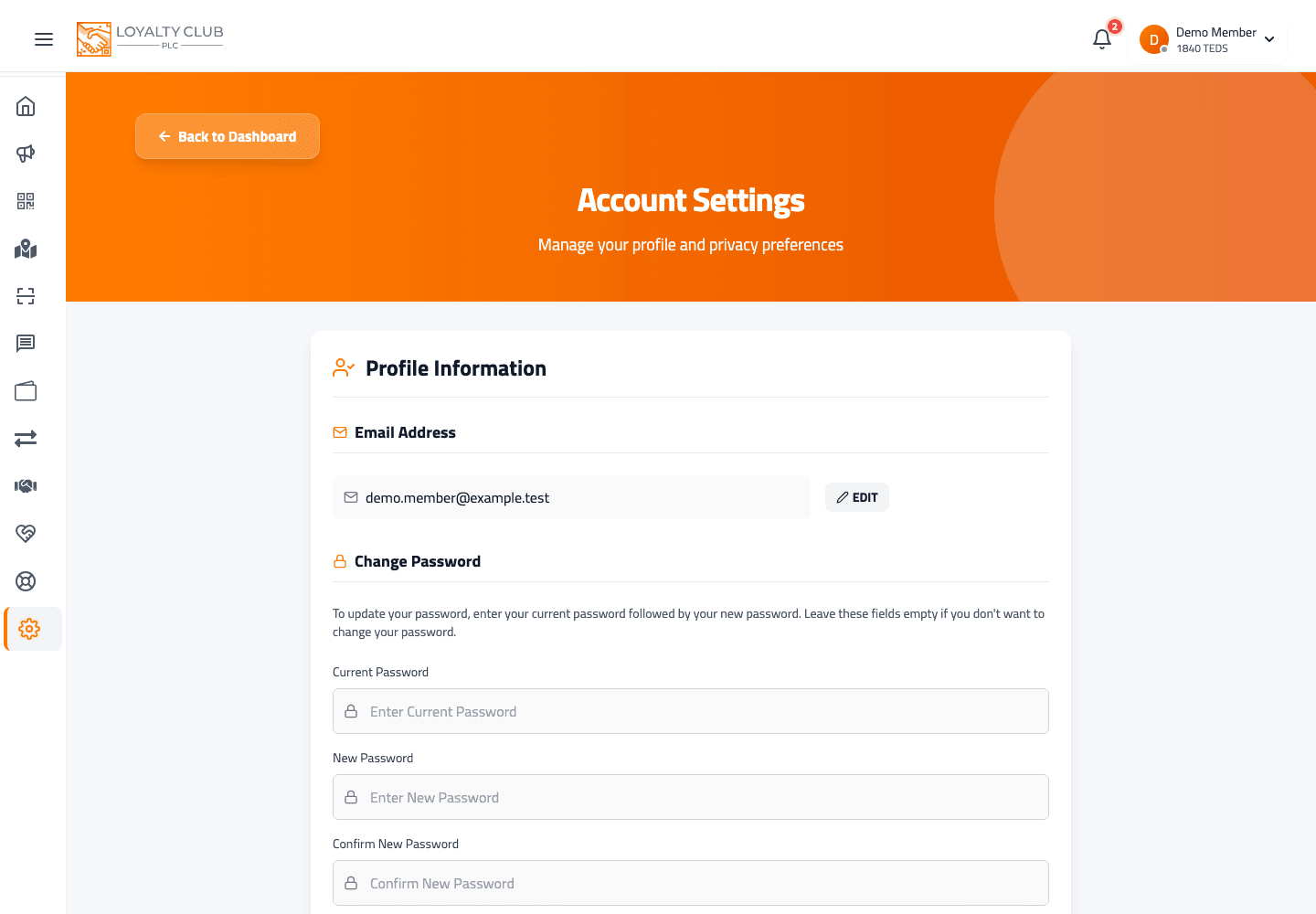
Use the email and password you signed up with.
- 03Done
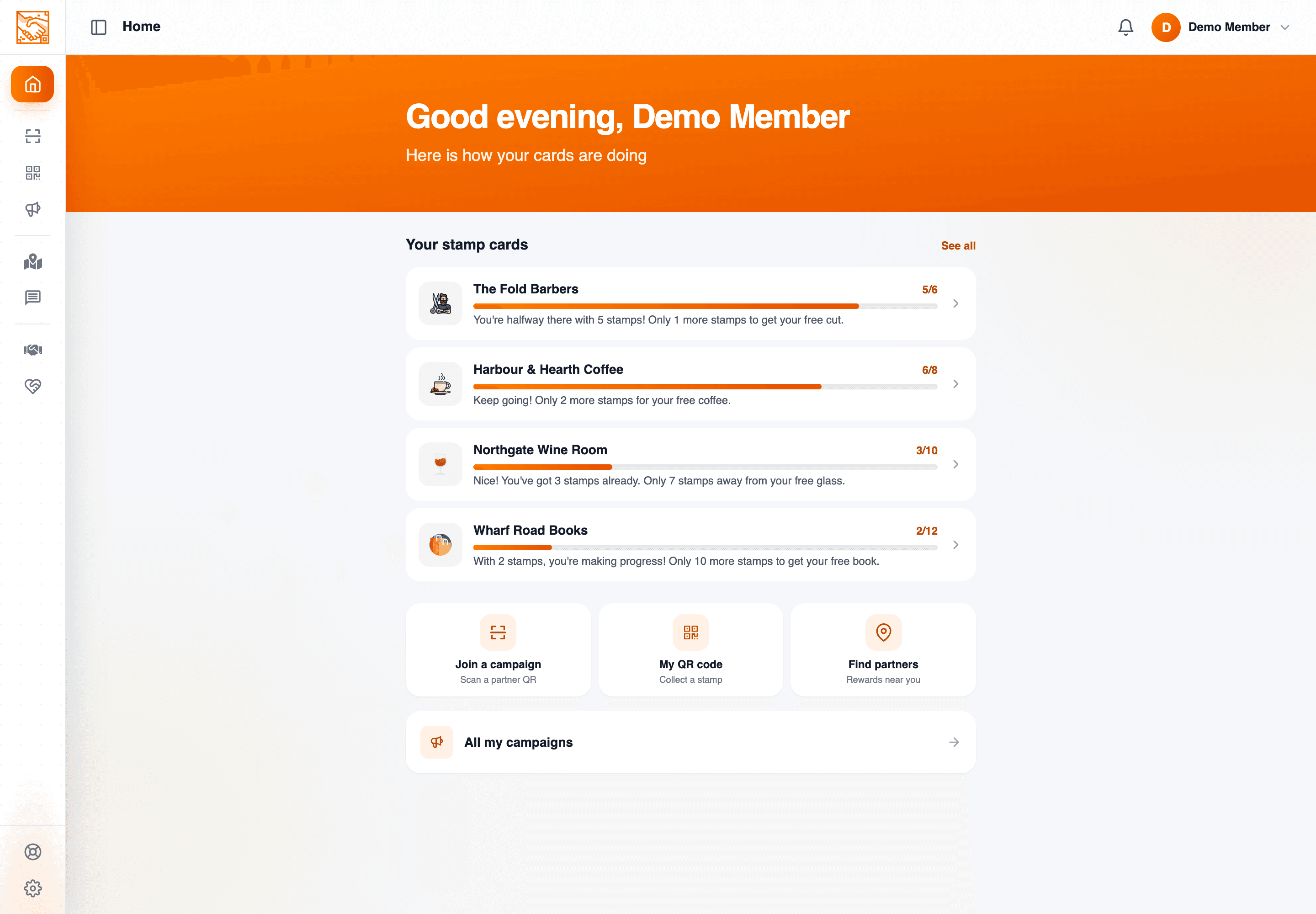
Your QR is the same on every device. Stamps, campaigns and balance are all there.
Forgotten the password
Use the Password reset option on the login screen — sends a reset link to your registered email. There’s a dedicated PasswordReset page in the customer portal.
Lost both phone AND access to the registered email
Open a ticket — we can verify your identity and help recover the account.
In one sentence
Install the app on a new device → sign in with email + password → everything’s there.