

Loyalty Club has two main role types per partner business: ClientUser (the owner who signed up) and ServerUser (staff added via the Add Server flow). Their access to the portal is shaped by what their Settings menu shows.
ServerUser (staff) — settings menu
Per Settings.jsx, staff see only these settings sections:
- Password & Security
- Privacy Policy
- Delete Account
What they can do beyond settings:
- Sign in to the partner mobile app and the partner web portal.
- Use the scanner to scan member QRs.
- Apply Stamp / Place Order / Redeem Coupon at the till (per the scanner page).
What they can’t do (because the relevant settings sections aren’t in their menu):
- Edit the business profile.
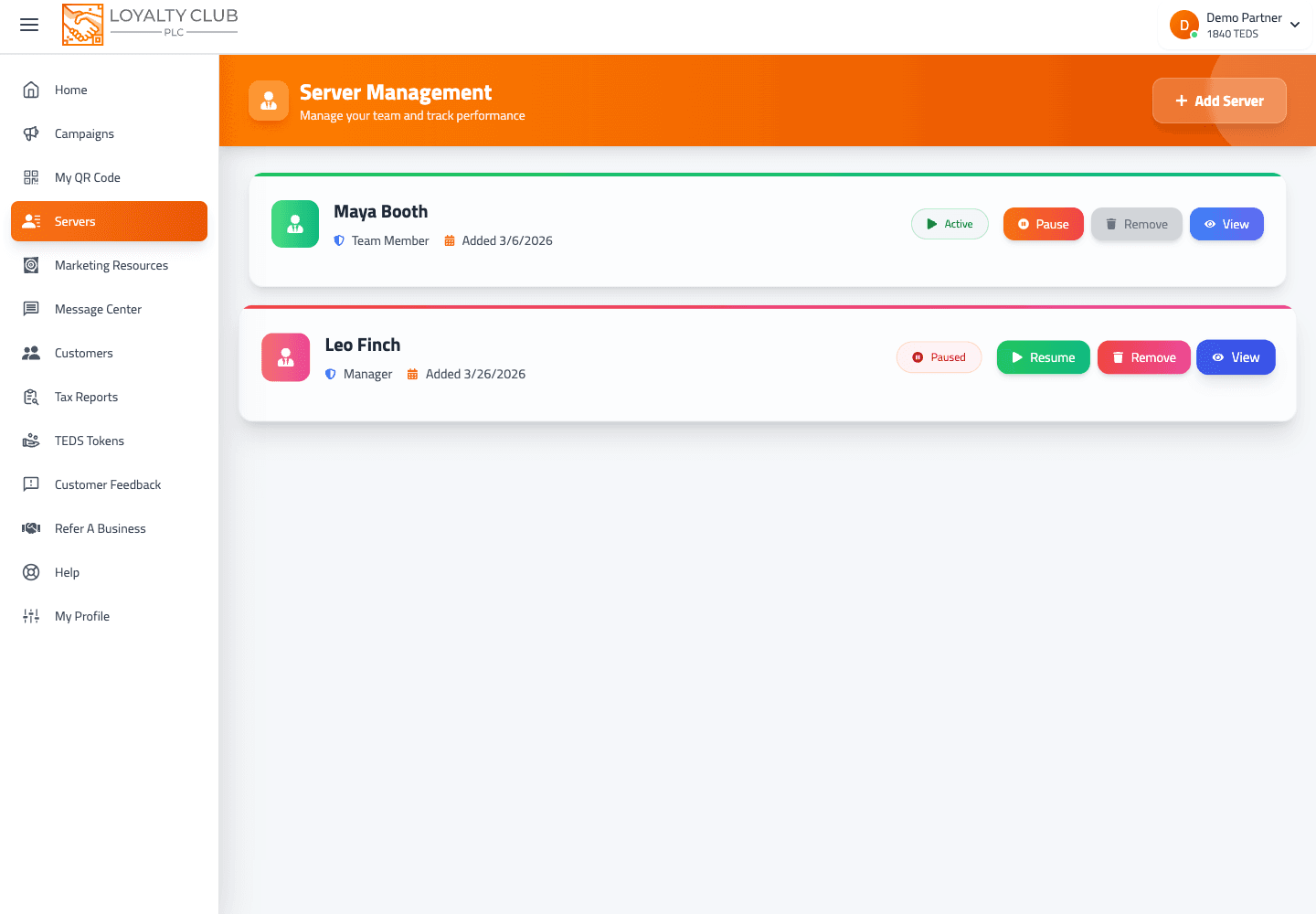
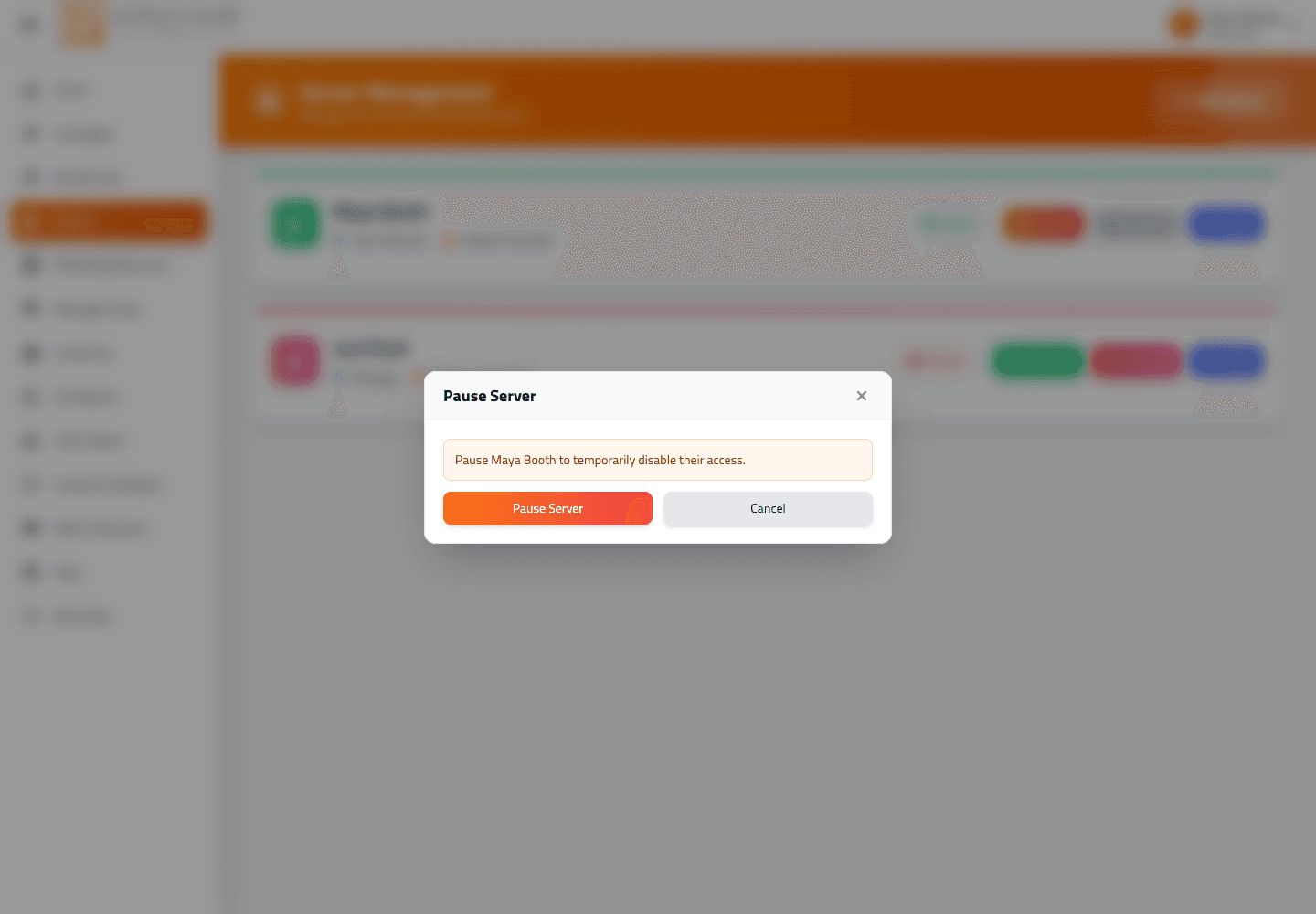
- Add or remove other staff.
- Create / edit / pause / delete campaigns.
- Manage subscription / billing.
- Manage Google Reviews / Edit Profile Page / Postcode Sectors / Location.
- Open the Message Centre — so no message campaigns, customer alerts or referral messages, and no access to the Emails tab: staff cannot design, test-send or switch on your club emails, or change the questions you ask your members. The portal's Message Centre and email editor routes accept the owner role only.
ClientUser (owner) — settings menu
The owner sees the full Settings menu:
- Profile
- Postcode Sectors
- Social Links
- Location Settings
- Google Reviews
- Edit Profile Page
- Classified Ads
- Password & Security
- Manage Subscription (gated by
hideElementsflag) - Privacy Policy
The owner doesn’t have a Delete Account option in Settings — that’s only in the ServerUser menu.
Owners can also open a staff member’s Server detail page from the Servers list to review staff-level analytics, campaign contribution, customer segments, quality signals, and activity history. Staff performance reporting is covered in Viewing staff performance and server analytics.
What to know
- Per-staff custom permissions / per-campaign scoping — there’s no UI for this; the role is binary (ClientUser vs ServerUser).
- Multiple owners per business — currently there’s one owner.
- Ownership transfer — not available in Settings; handle via support if needed.
In one sentence
Staff (ServerUser) = scan + apply stamps + minimal settings (password, privacy, delete-account). Owner (ClientUser) = full settings + business management + billing + the Message Centre, including your club emails.