

Partner pricing is one product with two billing options. Pick what fits your cash flow.
Monthly vs yearly
| Monthly | Yearly | |
|---|---|---|
| Billing cadence | Every month | Once per year |
| Cash flow | Smaller, more frequent | One bigger payment |
| Cost | Standard rate | Modest discount vs 12× monthly |
Both run on Square, which processes the recurring billing. (Stripe Connect is referenced elsewhere in the portal — that’s a separate integration for partner bank-account linking, not for paying your subscription.)
Free until you reach 15 customers
When you sign up, your subscription enters customer_trial state. Your card is on file but you aren’t charged until you enrol your 15th customer. There’s no time limit — the trial runs as long as you’re under the threshold.
The Manage Subscription panel shows your progress: customer count out of 15, with a percentage bar.
Once you cross 15 customers, the subscription becomes active and the chosen plan begins billing.
What you see in Manage Subscription
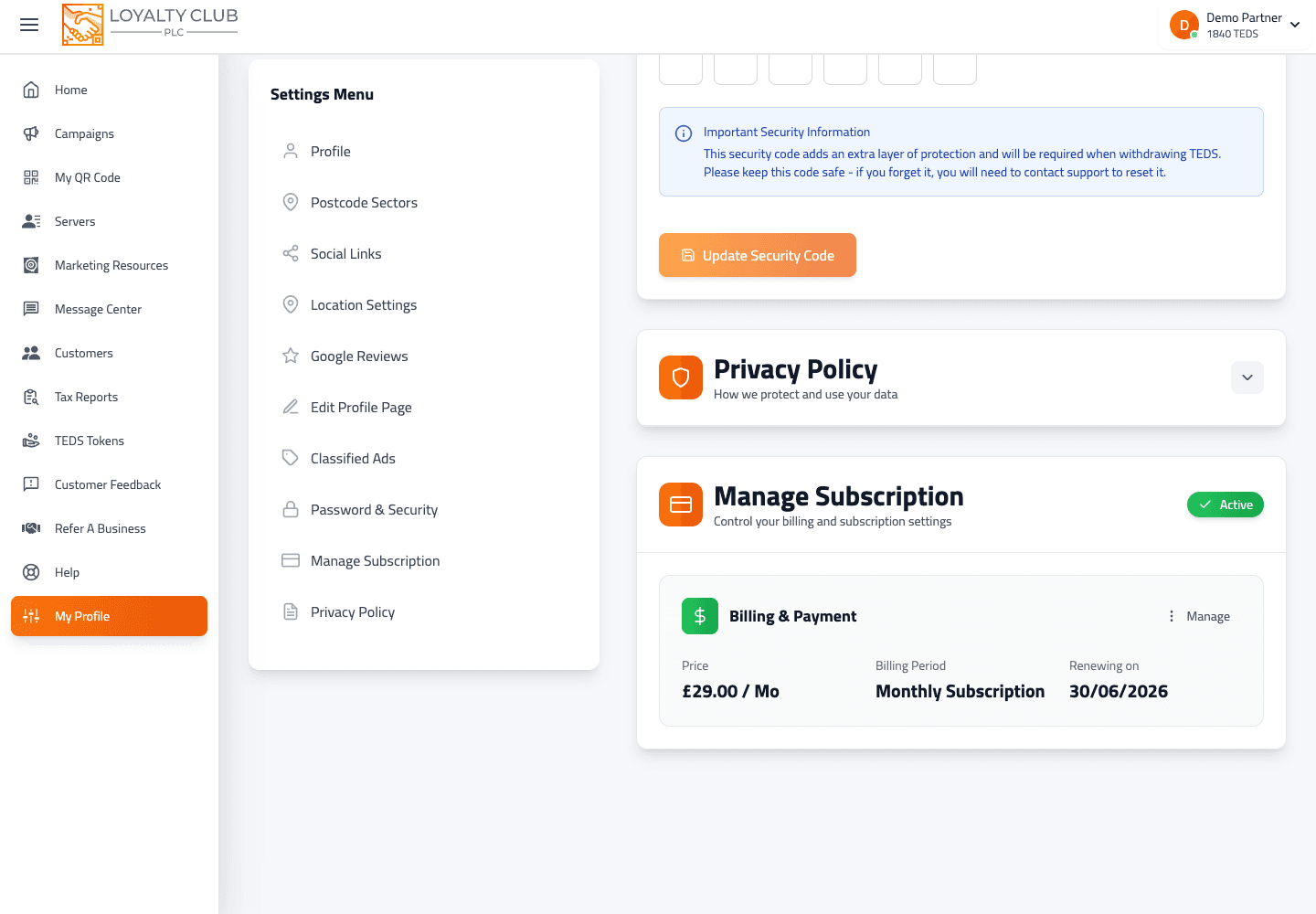
Settings → Manage Subscription shows:
- Plan — your monthly or yearly price.
- Billing status — "Not yet active" while in trial, otherwise the renewal / cancelling-on date.
- Payment method — card brand + last 4 of the card on file.
- Update payment method action (covered in the updating your payment method article).
- Cancel subscription action (covered in the cancelling article).
Payment failures
If a renewal charge fails, your account enters a payment_failed state with a 5-day grace period:
- Banner appears in the portal: "Payment Issue Detected — 5-day grace period."
- The portal prompts you to Resubscribe Now before the grace period ends.
- After grace period: account is temporarily suspended until you set up a new subscription.
Update your card via Settings → Manage Subscription as soon as you see the warning — see Updating your payment method.
What to know yet
- Switching between monthly and yearly mid-subscription — can be done; the exact UI path can vary by account. Open a ticket if you want to switch.
- Refund policy on mid-period cancellation — handled case-by-case, not by an automated rule. Open a ticket if you have an unusual situation.
In one sentence
One subscription with monthly or yearly billing, processed via Square — free until your 15th customer.