

Setting up a Loyalty Club partner account takes about five minutes — pick a billing frequency, fill the signup form, enter card details, verify your email.
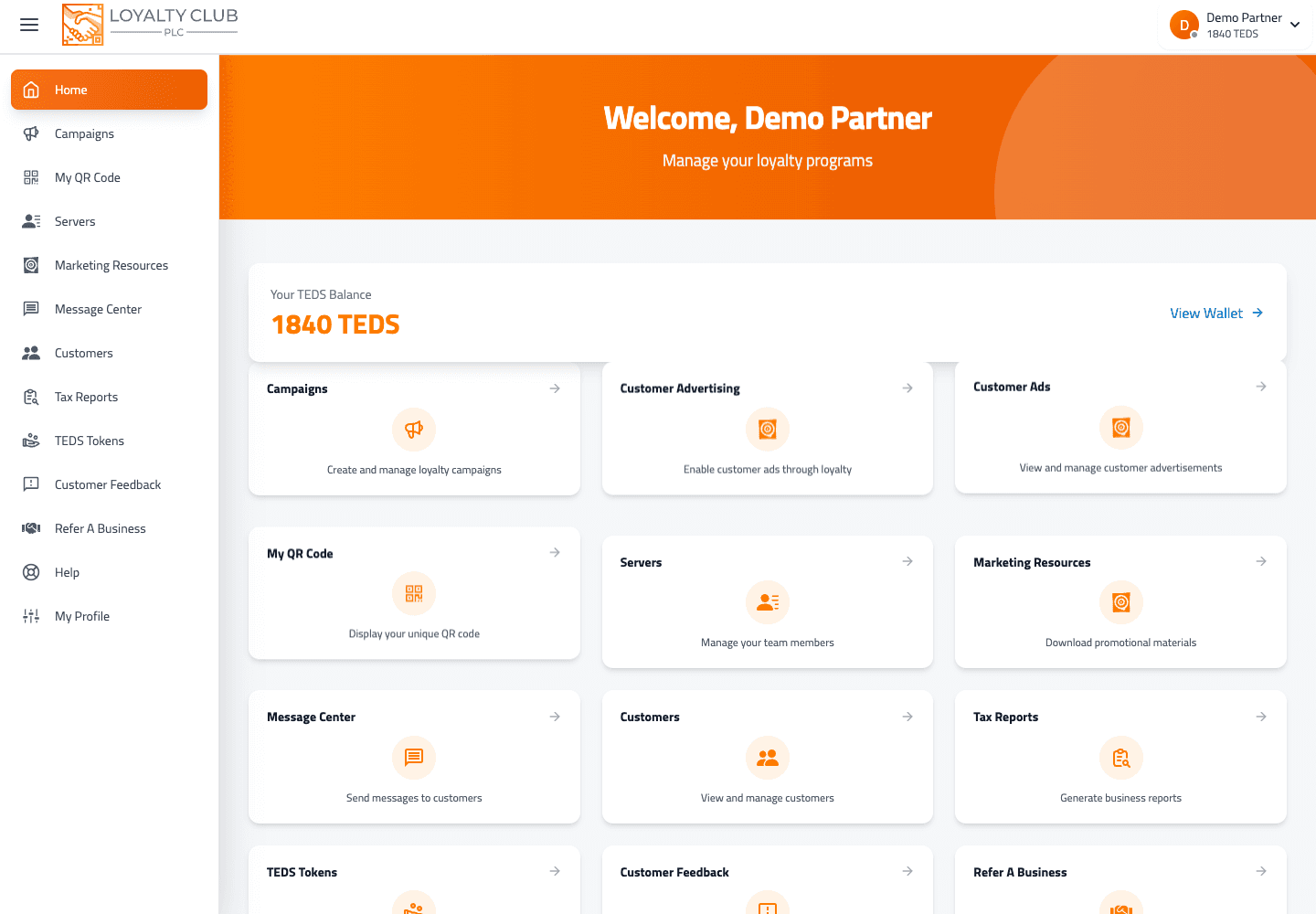
What you’ll need
- A business email address.
- A payment card (Visa / Mastercard / Amex). Subscription billing is processed via Square.
The flow
- 01Open Pick subscription
From any signup link or directly via the partner portal’s subscription page.
- 02Choose monthly or yearly
Same product, different cadence. The toggle shows the price and (for yearly) a small saving badge if applicable.
- 03Click Get started
Routes you to the Purchase page (
/purchase/:variationId). - 04Fill the signup form
Business name, your name, email, password, confirm password. All on one page.
- 05Enter card details
Card form rendered by Square. Cardholder name, card number, expiry, CVC.
- 06Submit
The form registers your account and saves the card in one go. You land in the partner portal.
- 07Verify your email
A verification email arrives with a tokenised link. Clicking it completes verification. You can resend the email from the verify page (60-second cooldown).
Free until 15 customers
The plan starts in customer_trial state. Your card is on file but you’re not charged until you enrol your 15th customer. There’s no time limit — the trial runs as long as you’re below the threshold.
The Manage Subscription panel shows progress (e.g. "3 of 15 customers · 20%").
What "active" means
The account works fully from the moment of signup:
- You can create campaigns immediately.
- You can add staff users (they receive a signup invitation by email).
- The mobile app accepts your login.
- Members find you on the partners map once you’ve completed your business profile.
What if email verification doesn’t arrive
- Check spam / junk. First emails sometimes land there.
- Use the resend link on the verify page (60-second cooldown between sends).
- Check the email is correct — typos are the most common cause.
If you genuinely can’t recover, open a ticket with the email you registered with.
What if payment fails at signup
Square will tell you the reason inline. Common: card declined, insufficient funds, 3D Secure verification didn’t complete. Try a different card or contact your bank, then retry.
In one sentence
Pick monthly or yearly → fill the signup form → enter card → verify email → you’re live, free until your 15th customer.