

You’ve signed up to run a Loyalty Club partner account. This article is the orientation.
The model
Every loyalty card you’ve ever offered customers — paper punch cards, plastic membership cards, QR codes printed on receipts — Loyalty Club replaces with a single digital programme that customers carry on their phone alongside cards from every other partner.
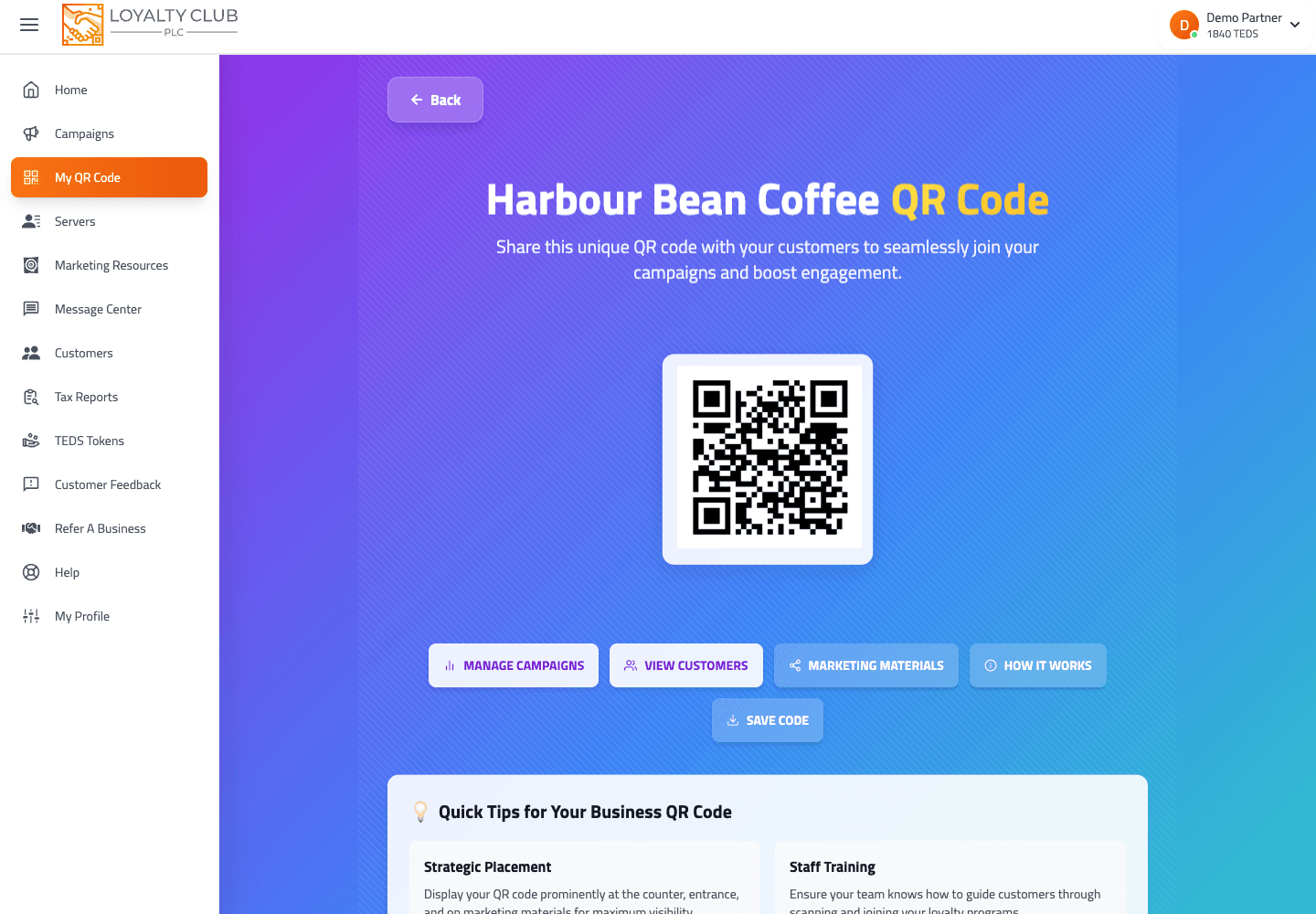
Customers ("members") show their personal QR at your till. Your staff scan it with the partner mobile app or the desktop web scanner. A stamp lands on the card. When the card is full, the member redeems the reward at your shop.
Because the same QR works at every partner, a customer who joined at the café down the road already has an account when they walk into you — and the card they start with you is one more reason to come back.
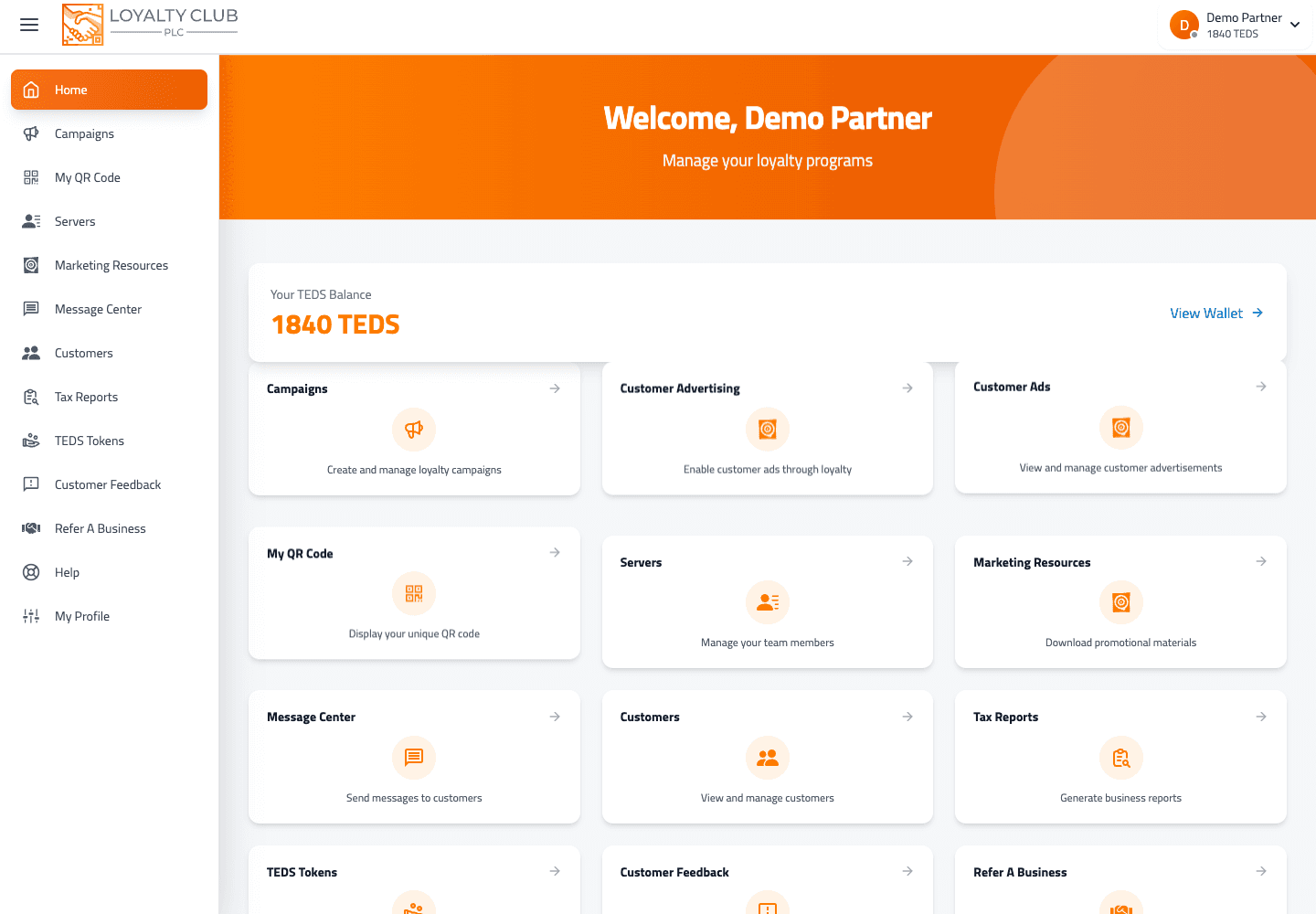
What the partner portal is for
| Area | What you do |
|---|---|
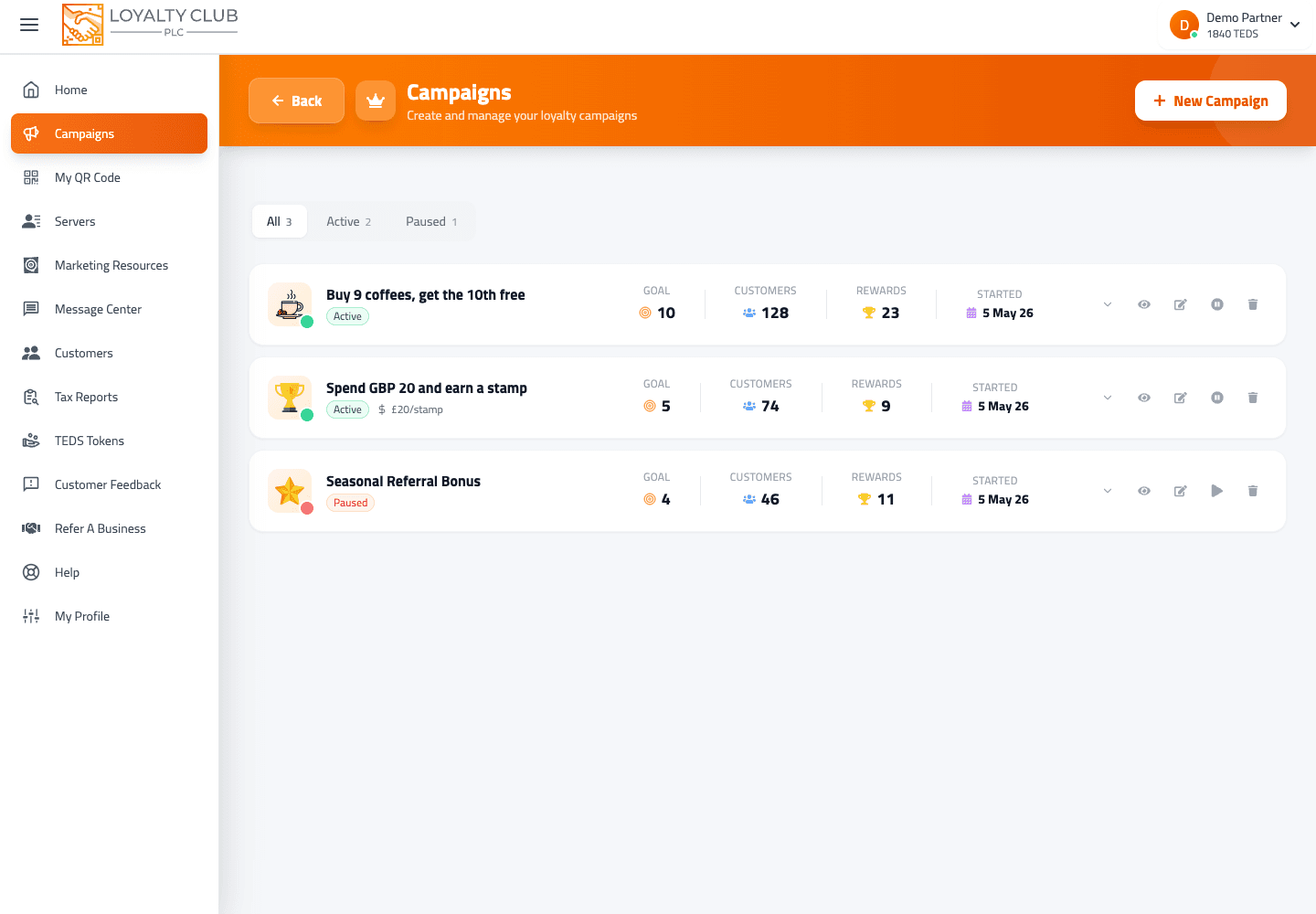
| Campaigns | Create stamp programmes via the 4-step wizard. |
| Scanning | Apply stamps at the till using the mobile app or desktop scanner. |
| Customers | View who’s enrolled with stamp counts, last visit date, referrals count. |
| Team | Add staff (Servers) who can scan but can’t manage your business. |
| Messaging | Four-section Message Centre: Campaigns, Customer alerts, Referral messages and Emails. |
| Club emails | The Emails tab: five automatic emails your club sends in your name — a welcome, reward ready, milestones, the dates members told you about, and review requests. Each starts switched off until you design it and turn it on. |
| Reports | Pull a tax report (PDF) for your accountant. |
| Referrals | Share your code to introduce other businesses (£25 reward when a referral signs up). |
What you don’t need
- No new hardware. Your existing till stays as it is. A phone, tablet or laptop is your scanner.
- No POS integration. Loyalty Club runs as a parallel layer — staff scan after taking payment.
- Free until 15 customers. Card on file at signup; no charges until you reach the customer threshold.
Where to go next
- 01Complete your business profile
Required fields cover business type, address, VAT, trading style. See Completing your business profile.
- 02Create your first campaign
4-step wizard. See Creating your first campaign.
- 03Get the mobile app or use the desktop scanner
- 04Add staff members
Optional. See Adding a staff member.
- 05Make your welcome email yours
Optional, and worth ten minutes. Message Centre → Emails → Edit on the welcome, then Send me a test. It starts switched off, so nothing goes to members until you turn it on. See Club emails: what they are and how they send.
In one sentence
You run digital loyalty programmes; customers carry one wallet across the whole network; every partner they visit makes that wallet worth more to them.