

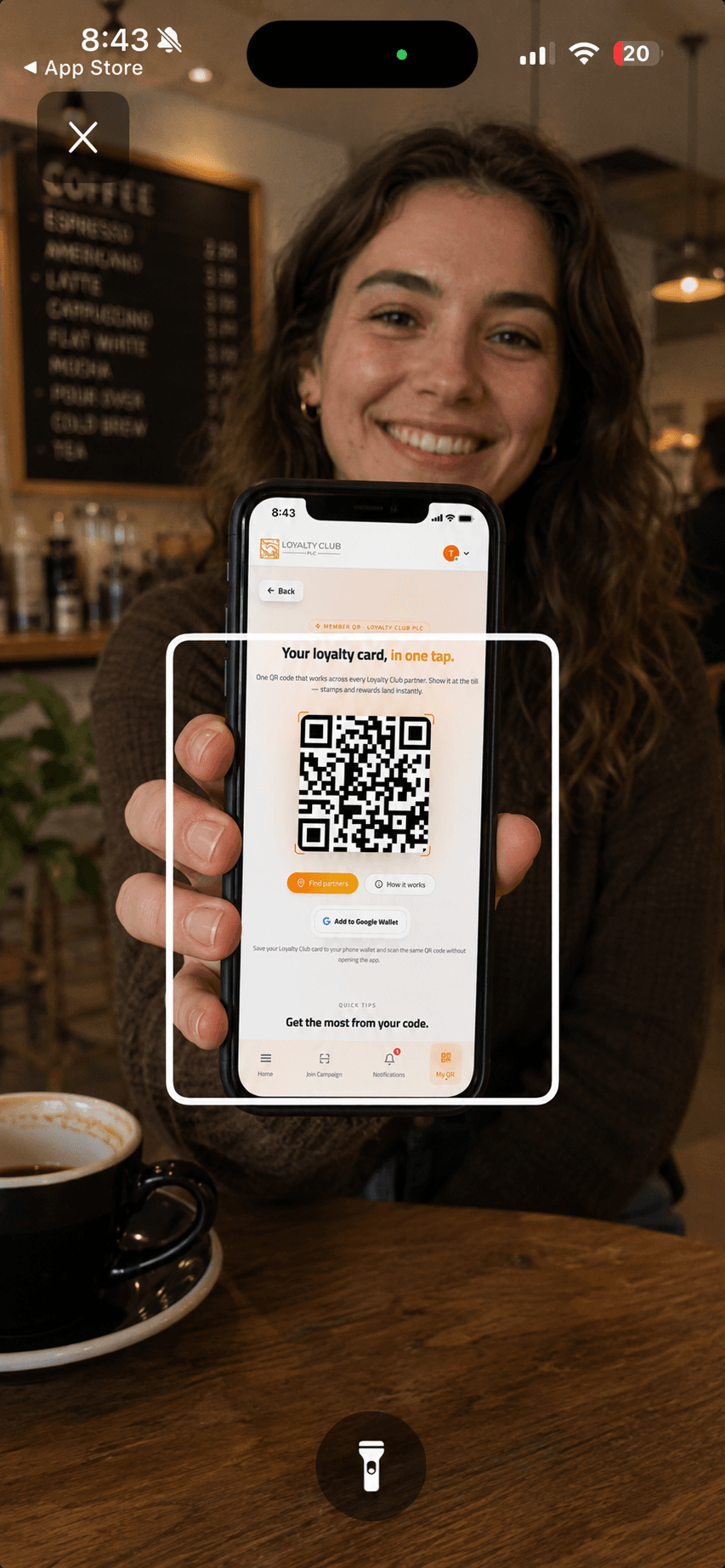
You can scan member QRs from any of three places: the iOS app, the Android app, or directly in the desktop web portal.
The mobile apps
- iOS: "Loyalty Club PLC Partners App" — search the App Store or use the direct App Store link.
- Android: "Loyalty Club PLC Partners App" — search Google Play or use the direct Play Store link.
Sign in with the same email + password you use on the web portal.
The native apps use platform-specific camera APIs — Android uses Google ML Kit BarcodeScanner, iOS uses Capacitor camera — for fast, reliable scanning at the till.
Who sees the "Get the mobile app" prompt
The portal prompts users to download the mobile app when they’re browsing the partner portal on a mobile device as a ServerUser (staff role). Owners (ClientUser) don’t see the prompt — the assumption is that owners use the web portal for management and staff use the mobile app for scanning.
If you’re an owner who also wants to scan from a phone, you can still install and sign in to the app yourself.
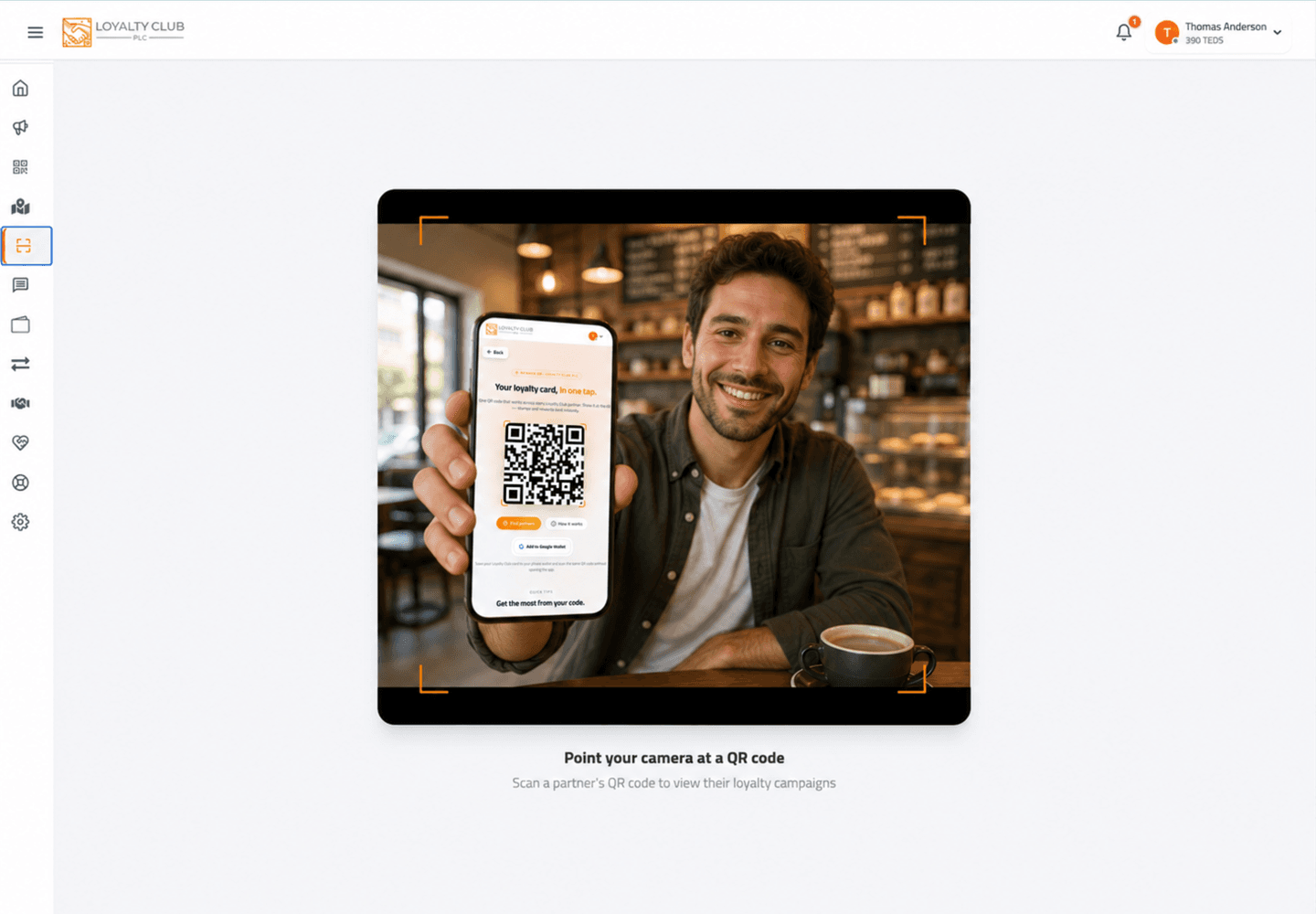
Desktop scanner
The desktop web portal has a working built-in QR scanner (/reader on desktop) via the @yudiel/react-qr-scanner library. It uses your laptop’s webcam.
This works fine for occasional scanning, testing, or if your shop runs entirely from a laptop. For high-volume point-of-sale use, a dedicated phone or tablet running the native app gives faster, more reliable scans.
On first sign-in
The app needs camera permission to scan. Allow it when prompted. If you accidentally deny:
- iOS: Settings → Loyalty Club PLC Partners App → Camera → Allow.
- Android: Settings → Apps → Loyalty Club PLC Partners App → Permissions → Camera → Allow.
What to know
- Offline scanning / queueing. The current scanning flow doesn’t expose an offline-queue mechanism. Don’t rely on offline scans being preserved.
- Tablet-specific UI — both apps work on tablets but the layout isn’t separately documented.
In one sentence
Install Loyalty Club PLC Partners App on iOS / Android, sign in with your portal credentials. Or scan from the desktop web portal at /reader if that’s easier.