

TEDS is opt-in per campaign. Enabling adds the network-conversion path; disabling keeps the campaign in-shop-redemption-only.
Where the toggle lives
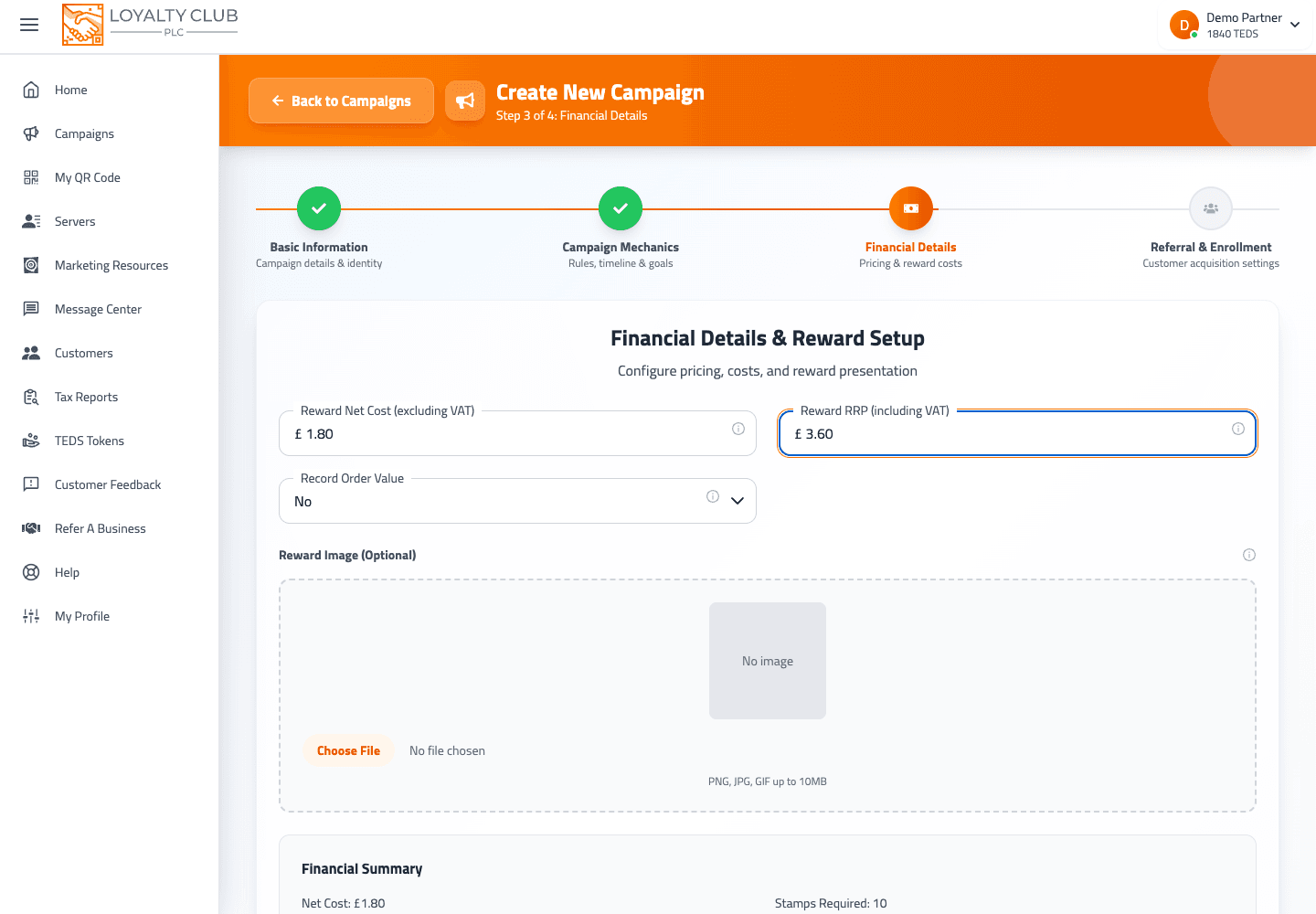
In the campaign wizard, Step 3 — Financial. The toggle is labelled TEDS Trading System.
The same toggle is present on the campaign edit screen (/campaign/{id}/edit).
What "on" gives you
When TEDS Trading System is on:
- The TEDS Per Stamp value displays read-only. The portal calculates it (the exact formula isn’t shown in the current interface; it’s derived from the reward value and the stamp goal).
- The campaign signals to the network that members can convert completed cards to TEDS and spend TEDS to buy stamps on it.
What "off" gives you
When TEDS Trading System is off:
- The TEDS Per Stamp field is greyed out and disabled.
- The campaign behaves like a paper card — fill it, redeem in-shop, that’s the only outcome.
When to enable
We recommend enabling TEDS on at least one of your campaigns so:
- Members across the network discover you when looking for places to spend TEDS.
- Members value your campaign more (a completed card has network-wide value, not just in-shop).
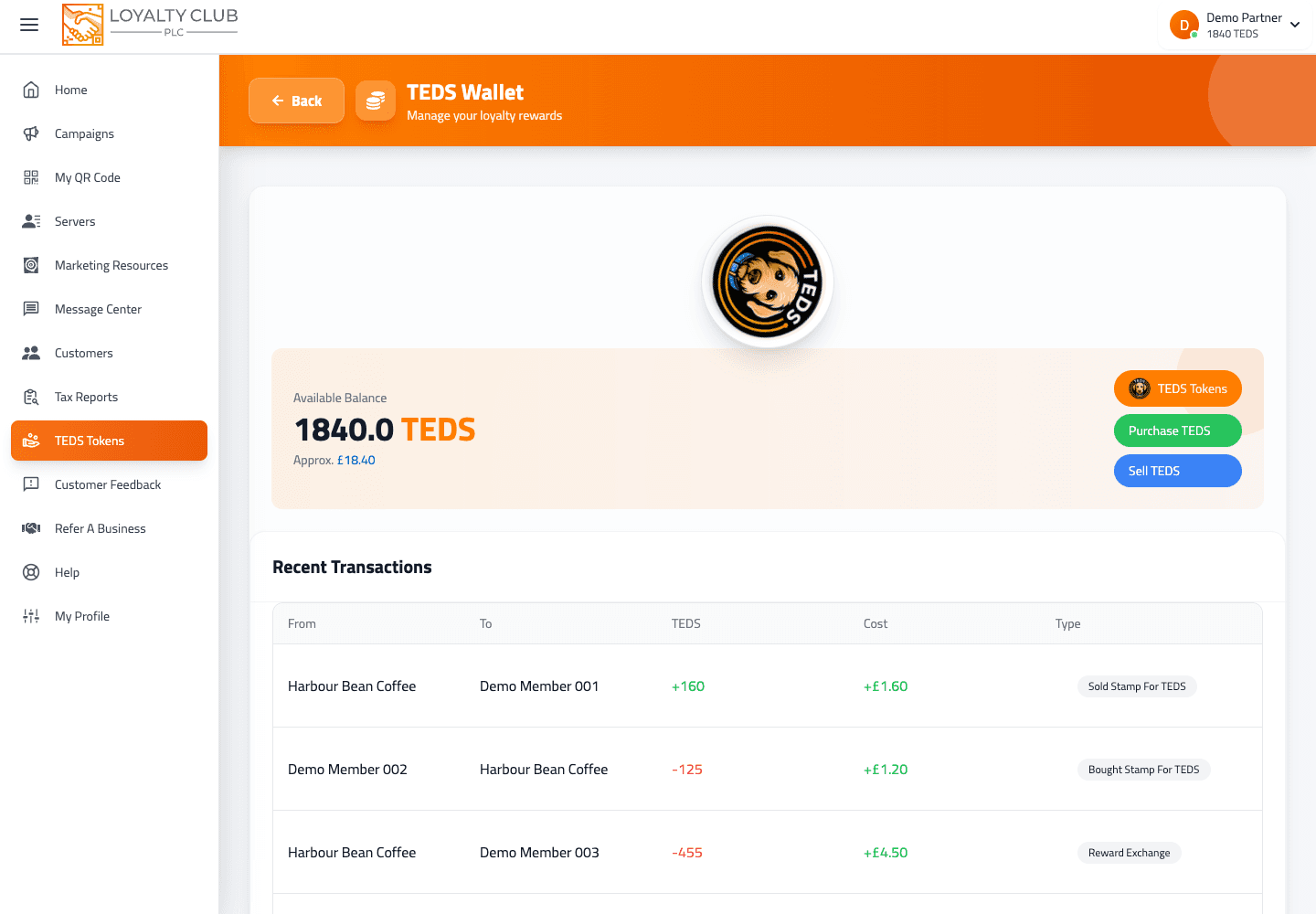
But: enabling TEDS commits you to keeping a funded TEDS wallet — when a member converts, the payout comes from your wallet immediately. Make sure to top up before enabling. See Topping up your TEDS wallet.
How to disable later
Open the campaign in /campaign/{id}/edit, toggle TEDS Trading System off, save. The campaign reverts to in-shop-redemption-only.
This doesn’t affect TEDS already in member wallets — they keep what they earned. New conversions on this campaign just stop being available.
In one sentence
Step 3 (Financial) → toggle "TEDS Trading System" on. The per-stamp value is auto-calculated and shown read-only.