

TEDS — Token Exchange Digital System — is the network token used for the loyalty programmes. As a partner, you participate by enabling TEDS on a campaign and funding a wallet that handles the payouts. This article walks through what that means in practice.
The core mechanic
When TEDS is enabled on one of your campaigns, customers can:
- Exchange a stamp for TEDS — a customer trades a single stamp for TEDS from your wallet.
- Exchange a completed reward for TEDS — a customer trades a completed-card reward for TEDS from your wallet.
Both transactions debit your TEDS wallet. The customer receives TEDS into theirs.
Customers can also:
- Purchase a stamp from you using their TEDS — they spend TEDS earned elsewhere on your campaign. Your wallet earns the TEDS as income.
Your wallet
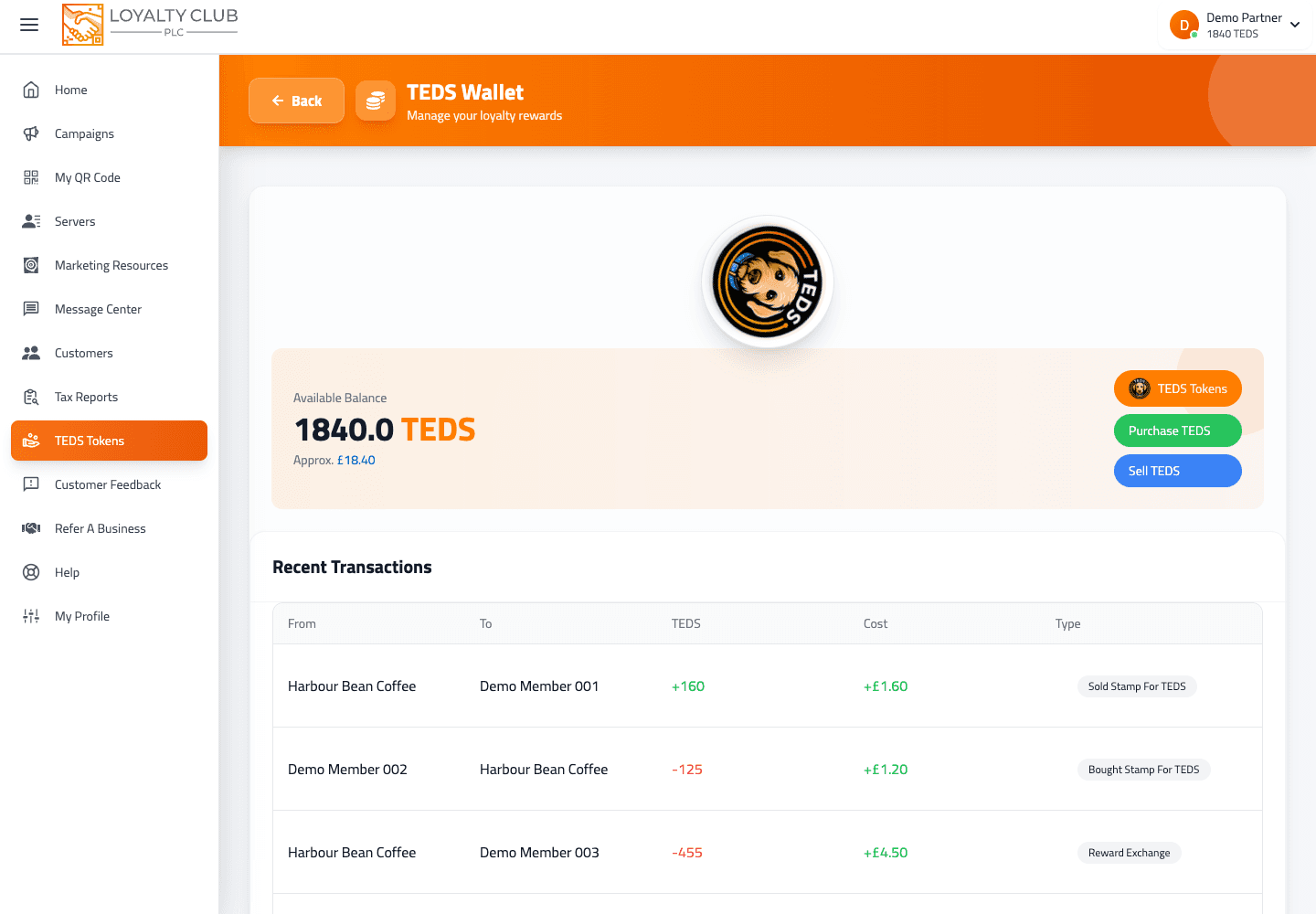
The wallet combines two kinds of activity:
- Settled TEDS you can spend immediately.
- TEDS earned via stamp / reward purchases, not yet fully settled.
The wallet UI displays the sum of both as a single "Available Balance" number. The breakdown isn’t shown separately in the wallet view.
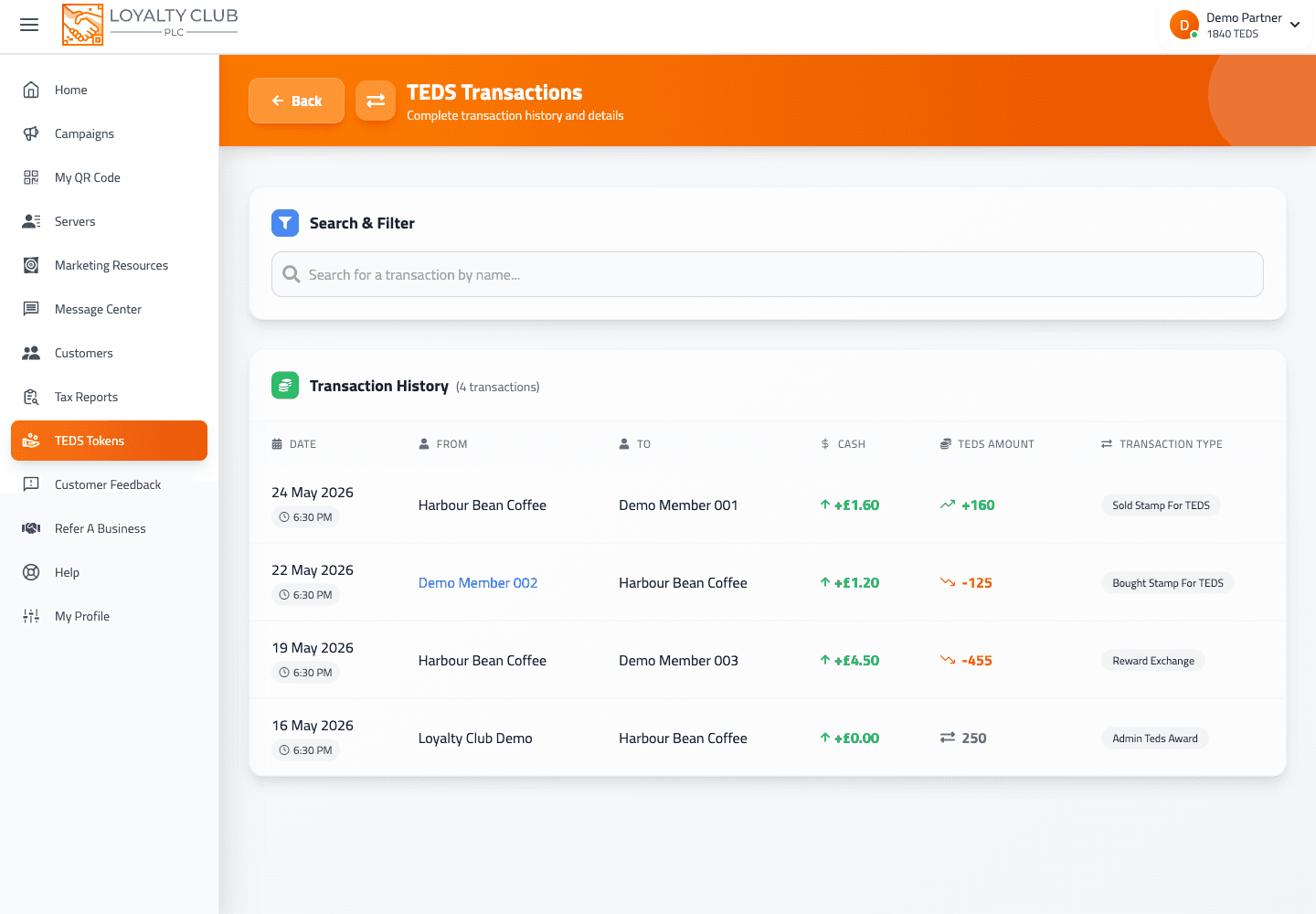
The transaction history (/teds/transactions) does distinguish the underlying transaction types — see Available vs pending TEDS balance for the full picture.
Pending exchanges
If a customer attempts a stamp- or reward-exchange and your TEDS wallet is insufficient to cover it, the transaction enters a pending state — stamp-exchange-pending or reward-exchange-pending. The wallet’s transaction history surfaces these with a tooltip:
"Customer exchanged a stamp, but the transaction is pending because your TEDS balance is insufficient. Please top up your TEDS to complete the exchange."
Top up to clear pending exchanges. See the 5-day pending and suspended state for the broader context.
Topping up
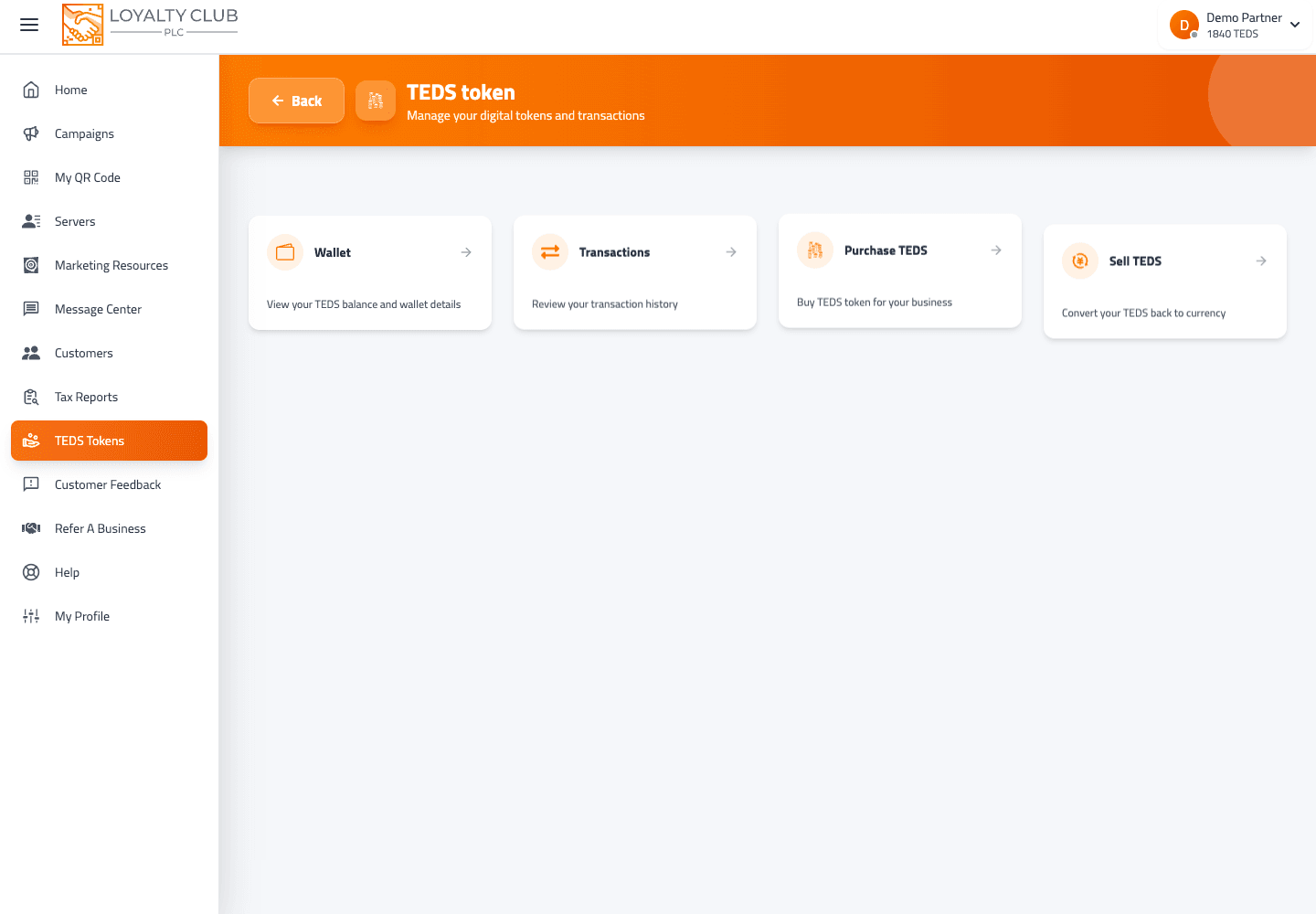
Top-ups happen via the Purchase TEDS flow at /teds/purchase. Packages are fetched from the backend dynamically — the available amounts and prices appear on the page when you load it. See Topping up your TEDS wallet.
What to know
- Exact pricing of TEDS packages — these are dynamic and depend on what the backend serves, so we don’t hardcode them in this article. Open the page to see what’s currently offered.
- Time-bounded clearance of pending exchanges — the wallet UI doesn’t show a specific deadline for pending exchanges to clear; the prompt is just "please top up to complete the exchange".
- Exact split / fee model on TEDS conversions — not spelled out in the current interface; ask us if you need precise numbers.
In one sentence
Partners fund a TEDS wallet that pays out when customers exchange stamps or rewards into TEDS. If the wallet is short, the exchange goes pending until you top up.