

Most stamps land within seconds. If yours hasn’t, run through this list:
Quick checklist
- 01Pull to refresh My Campaigns
Forces a fresh fetch from the server.
- 02Check the right partner
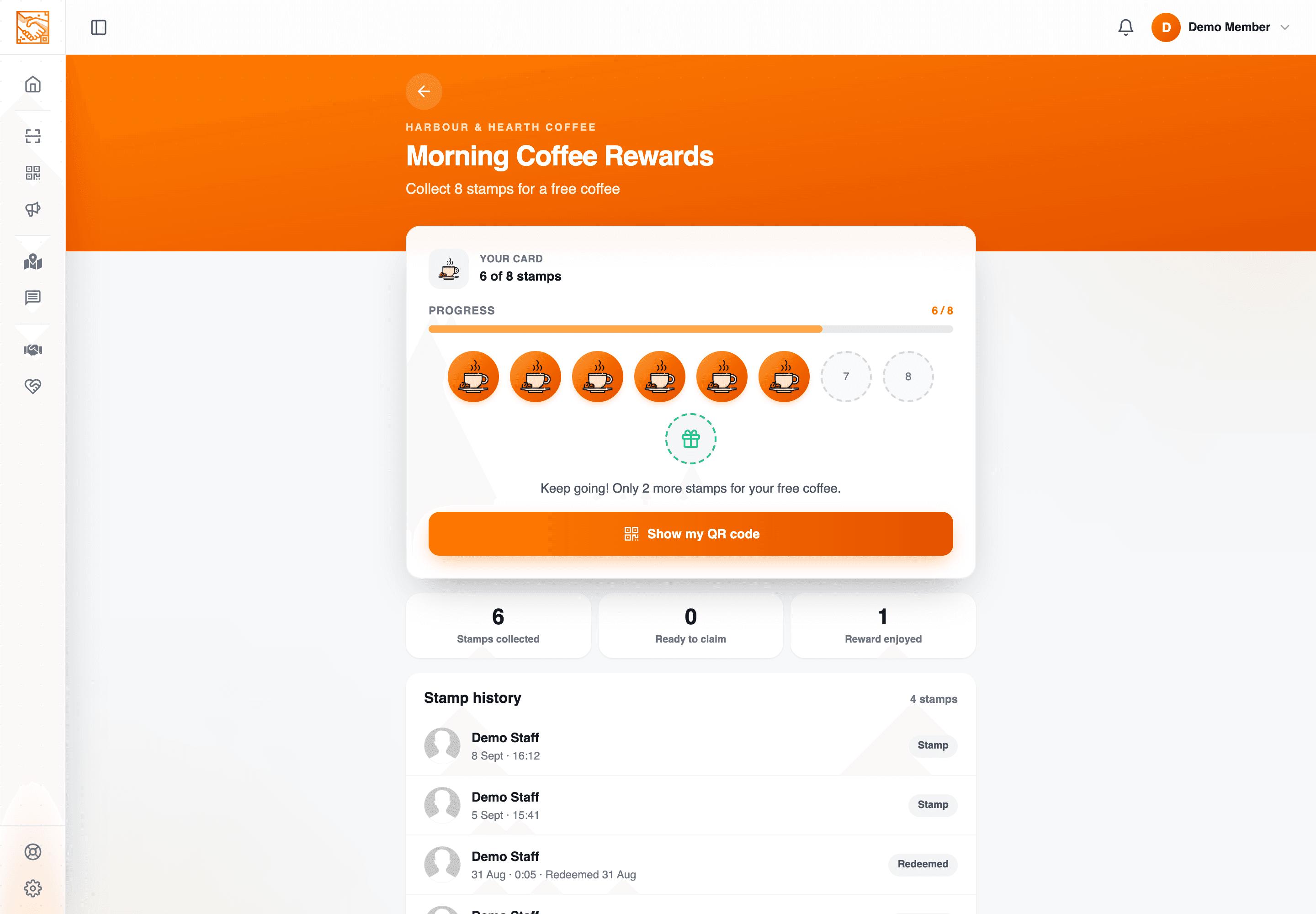
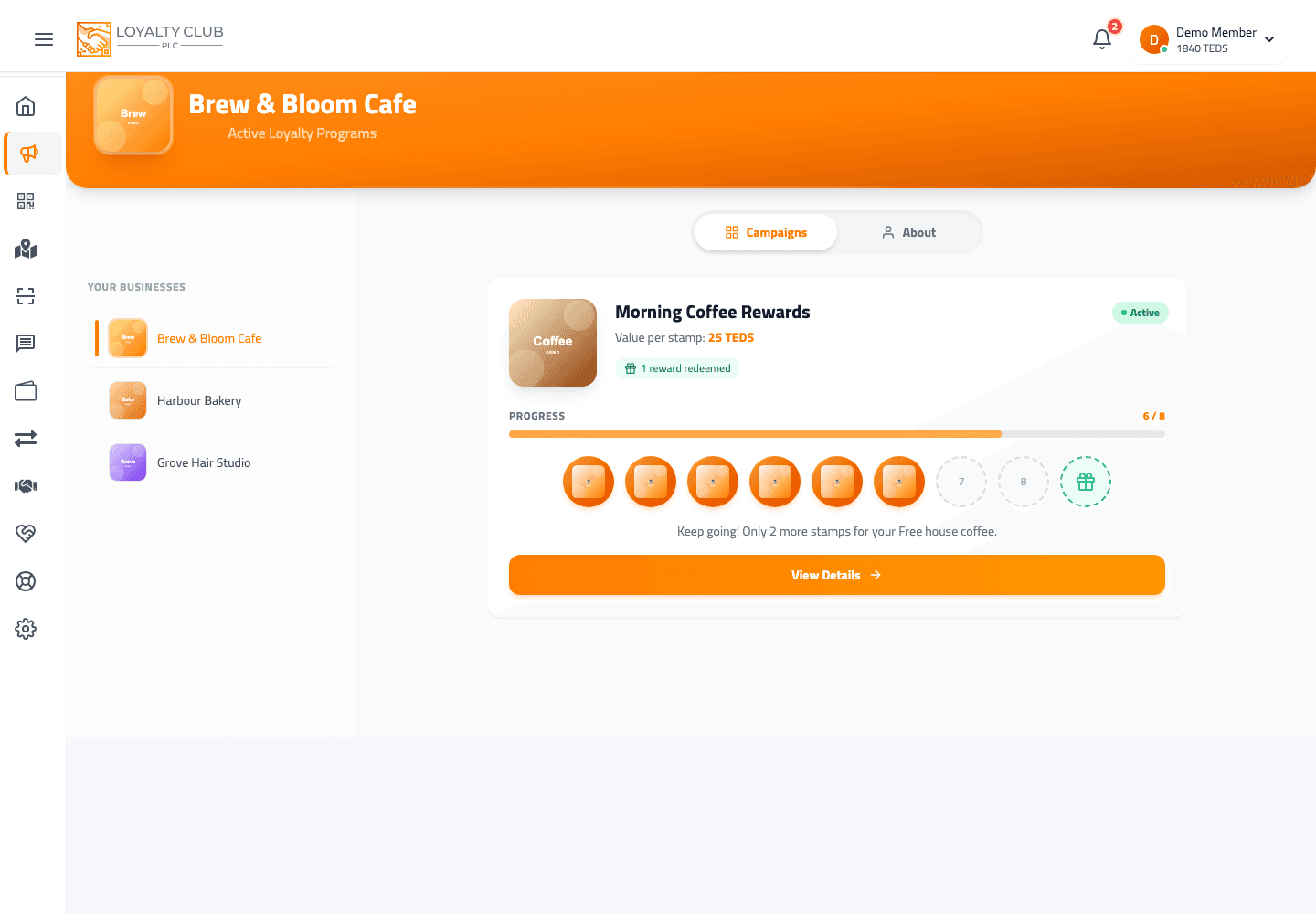
My Campaigns groups by partner business — open the partner you visited and check all their campaigns. The stamp may have landed on a different campaign than you expected.
- 03Ask staff to confirm the scan succeeded
A scanner can show a tick before the network confirms. If staff aren’t sure, ask them to scan again.
When to open a ticket
If the stamp still hasn’t appeared after about 30 minutes and staff confirm they scanned, open a ticket including:
- The partner business name.
- Approximate time of your visit.
- The campaign name (if you know it).
In one sentence
Refresh → check all the partner’s campaigns → ask staff to confirm. If still missing after 30 min, open a ticket.