

There are two ways you can be enrolled in a partner’s campaign.
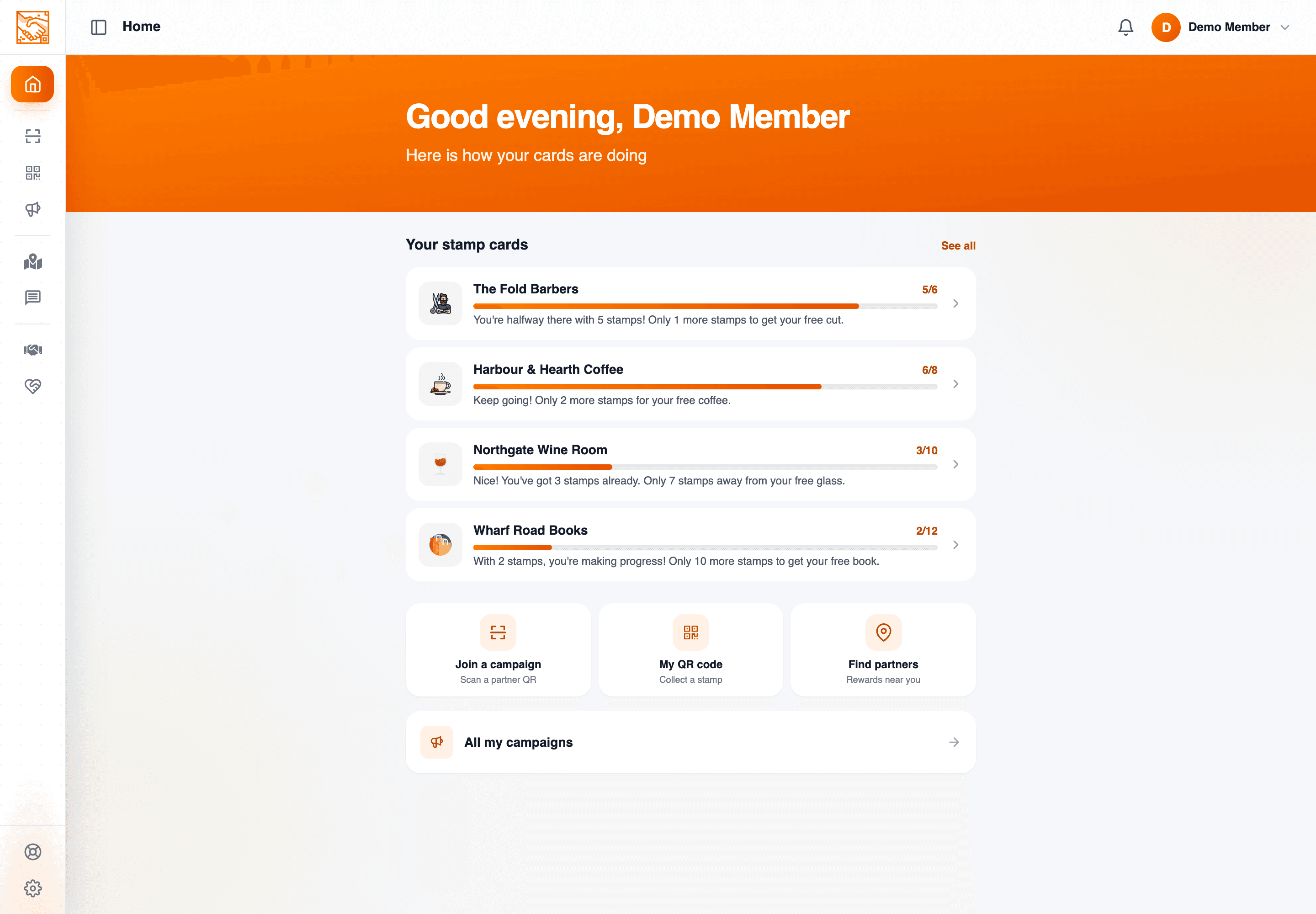
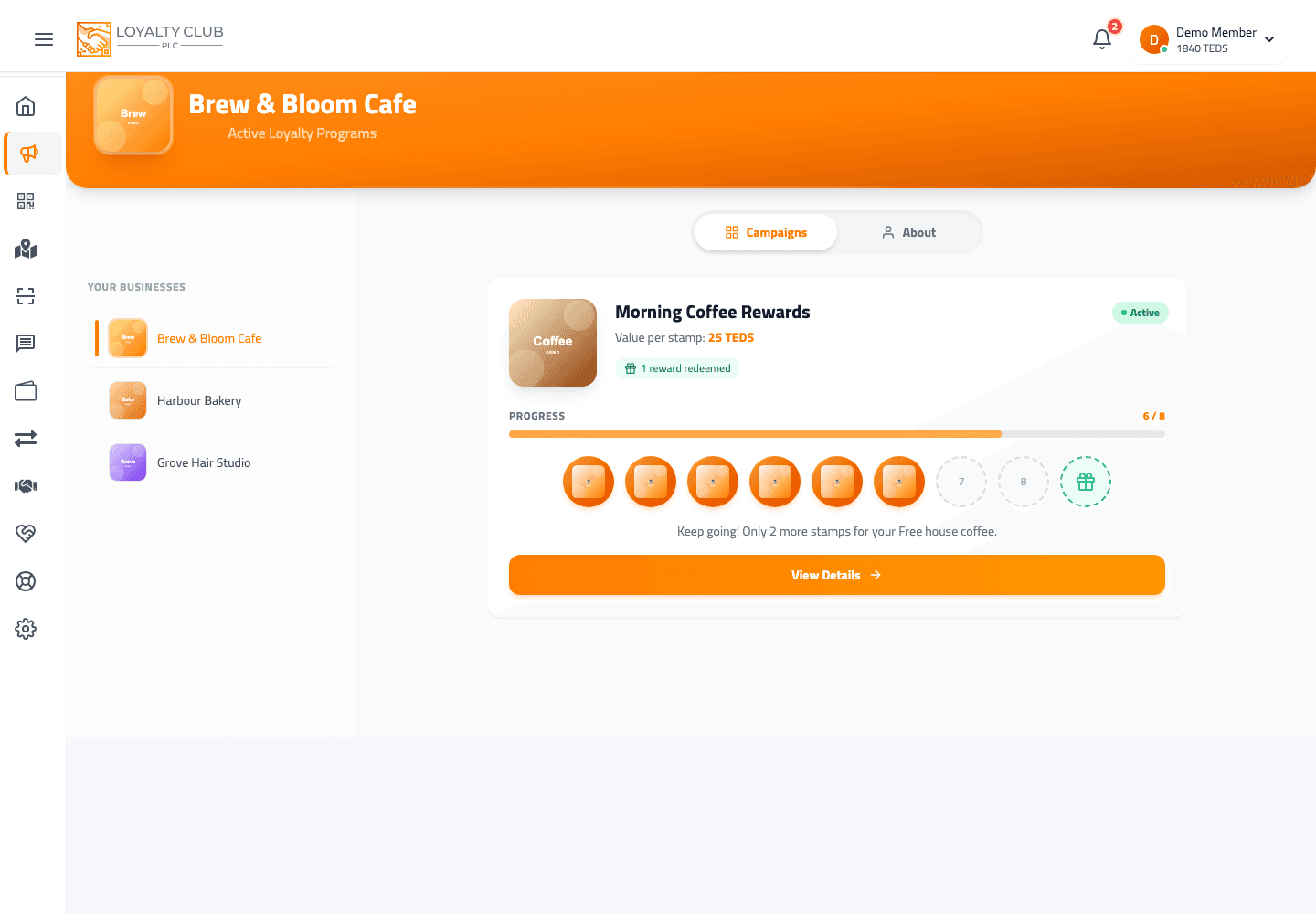
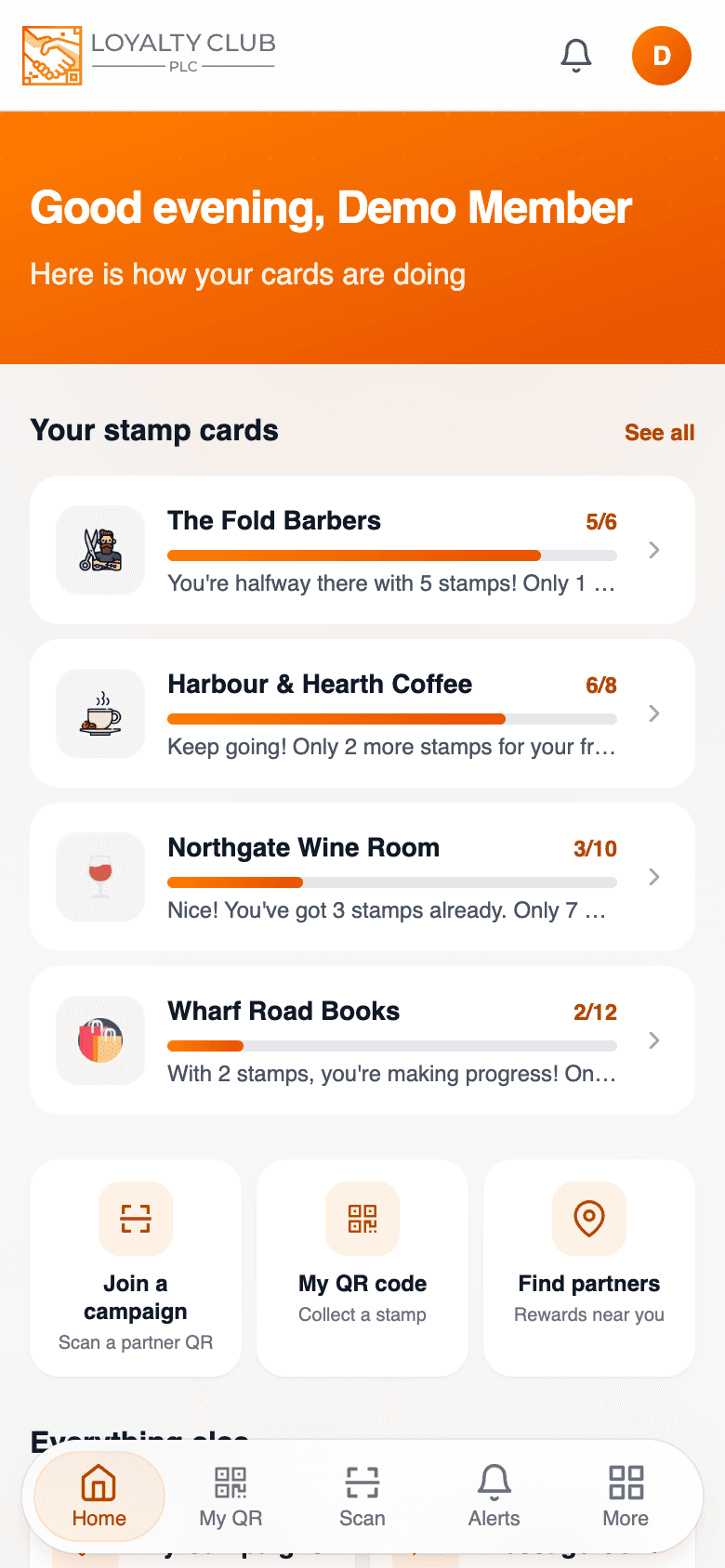
Most common: staff enrol you
When you visit a partner for the first time and show your QR, the staff’s scanner page has a flow to join you to a campaign (the partner portal includes a "Join customer to another campaign?" affordance). They tap to enrol you and apply the first stamp.
You don’t need to do anything beyond showing your QR.
Less common: you scan their campaign QR
Some partners may display a campaign QR for you to scan with your app. Your app has scanner pages for:
- iOS (Capacitor ML Kit barcode scanner).
- Android (Capacitor ML Kit barcode scanner).
- Desktop (react-qr-reader using webcam).
Open the scanner from the home screen and point it at the business’s QR code. Their rewards open in a sheet — tap Join on the one you want, and it changes to Joined. Then show your own QR at the till for your first stamp.
You can join the same way from the partners map: open the business from its pin and its rewards appear with a Join button on each.
Right after you join: Want offers from…?
The moment you join in the app, it asks: Want offers from that business? You answer Yes, keep me posted or No thanks.
- Nothing is chosen for you, and closing the question is not an answer.
- Either way you keep the rewards. You are already joined; the question is only about offers.
- Your answer decides what that business can send you — offers by push notification, and every one of its emails apart from the welcome. See Managing marketing consent.
- Said yes before? You are not asked again at the same business.
If staff enrolled you at the till, the app does not put the question to you there. You can allow or block each business you have joined in Settings → Privacy.
The welcome email
If the business has club emails switched on, a welcome email from them arrives a few minutes after you join — however you joined. Each business chooses which of its emails to switch on, so not every business sends one. See Emails from the businesses you join.
Multiple campaigns at one partner
A partner can run more than one campaign. After enrolment in their first one, additional campaigns at the same partner are typically joined the same way — staff enrolment via their scanner, or the Join button in the app.
In one sentence
Show your QR and staff handle the enrolment — or join yourself from the business’s QR code or the partners map, then answer Want offers from…?, which decides what that business can send you.