

My Campaigns lists every campaign you’re enrolled in across the network, organised by the partner business that runs each one.
Navigation
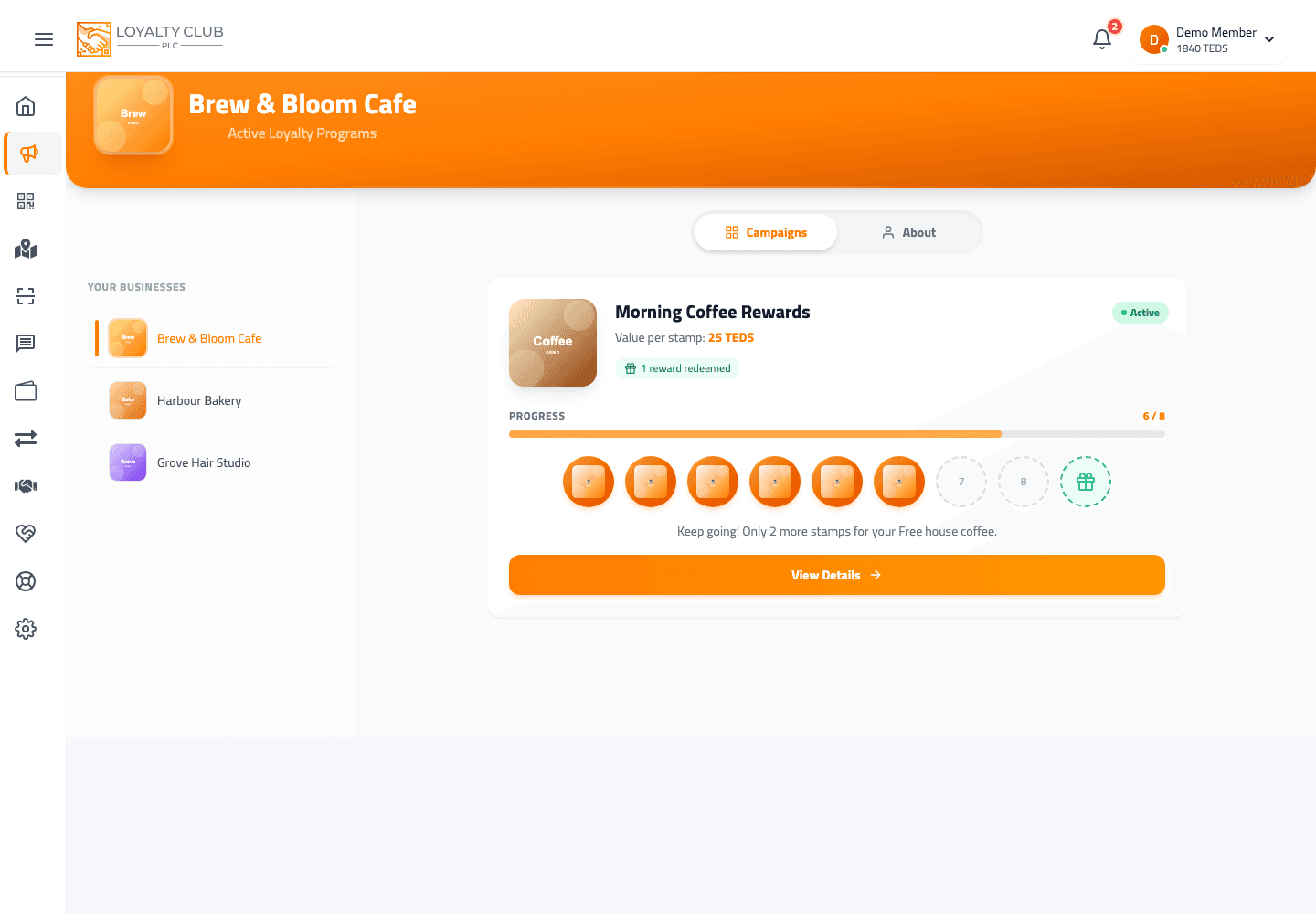
- The page derives a list of unique business names from your enrolled campaigns.
- Picking a business name (from the list / dropdown) sets the current view to that partner’s campaigns.
- A
?clientID=URL param can route you straight to a specific partner’s view.
Campaign cards
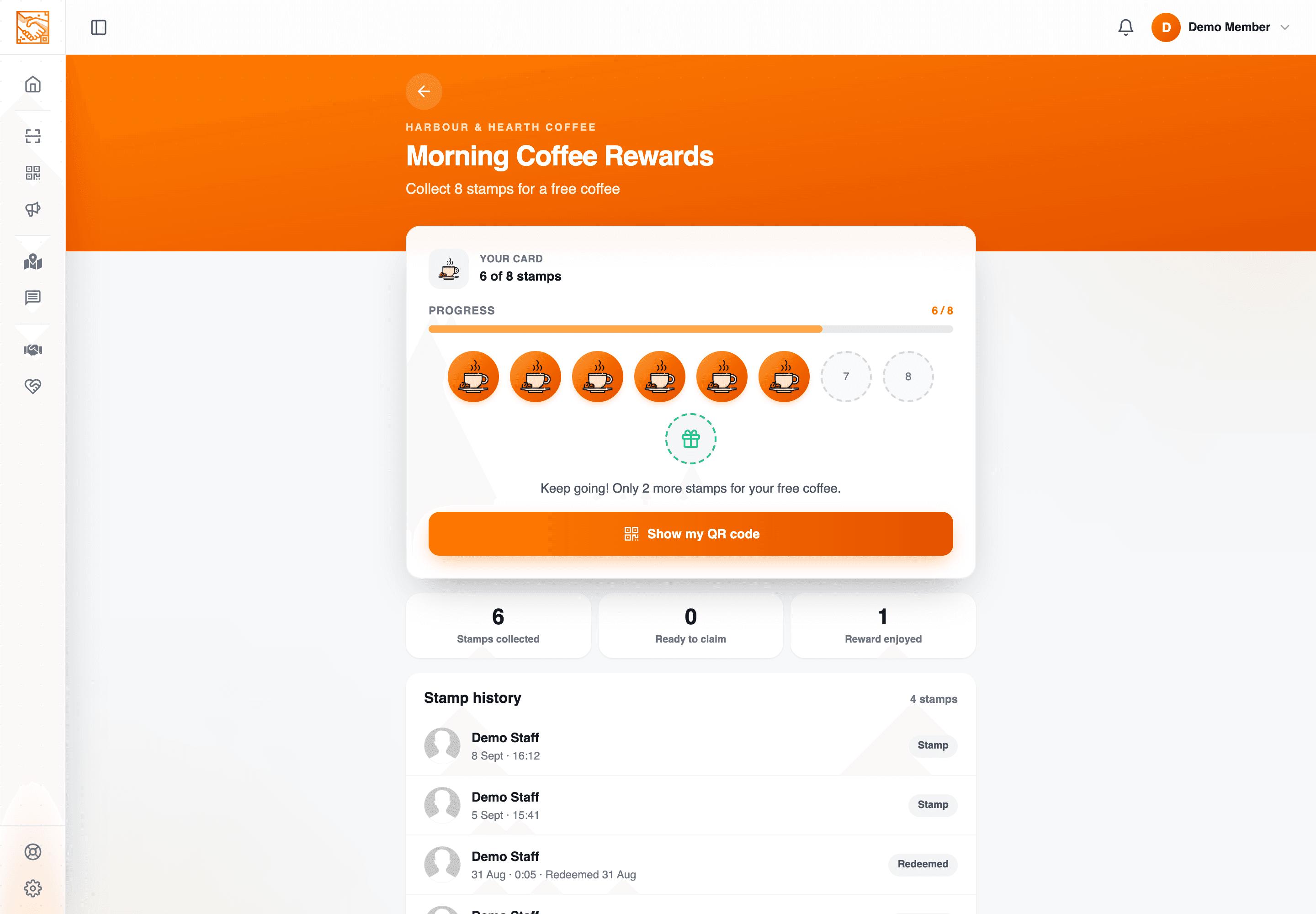
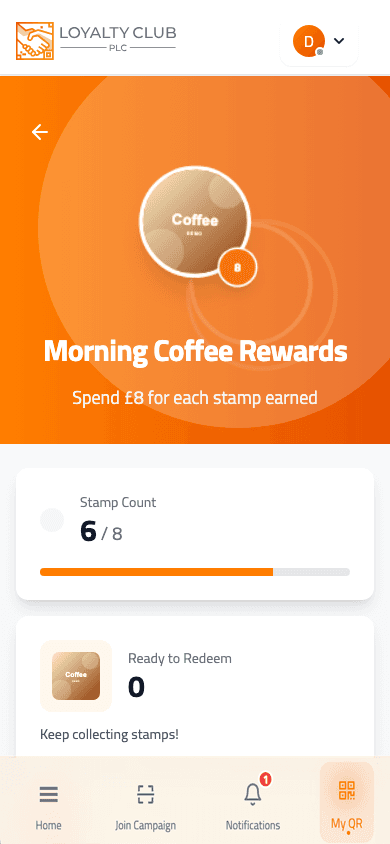
Each card shows your stamp count for that campaign. Tapping into a card opens the campaign detail page, which holds your stamp history and whatever actions that particular card supports — redeeming a completed reward, for instance. Which actions appear depends on how the partner has set the campaign up, so two cards in your list will not always offer the same things.
When a card fills, the business may also email you to say your reward is ready — if you said yes to their offers and they have club emails switched on. See Emails from the businesses you join.
What to know
- The exact visual representation of "in progress" / "completed" / "paused" / "archived" states can vary by card state. The campaign detail page is where the actions become explicit.
- The grouping behaviour when a partner runs multiple campaigns simultaneously — use the per-business filter to focus on the right partner.
In one sentence
My Campaigns groups by partner business. Pick a partner; tap a campaign; see stamp history and that card’s actions on the detail page.