

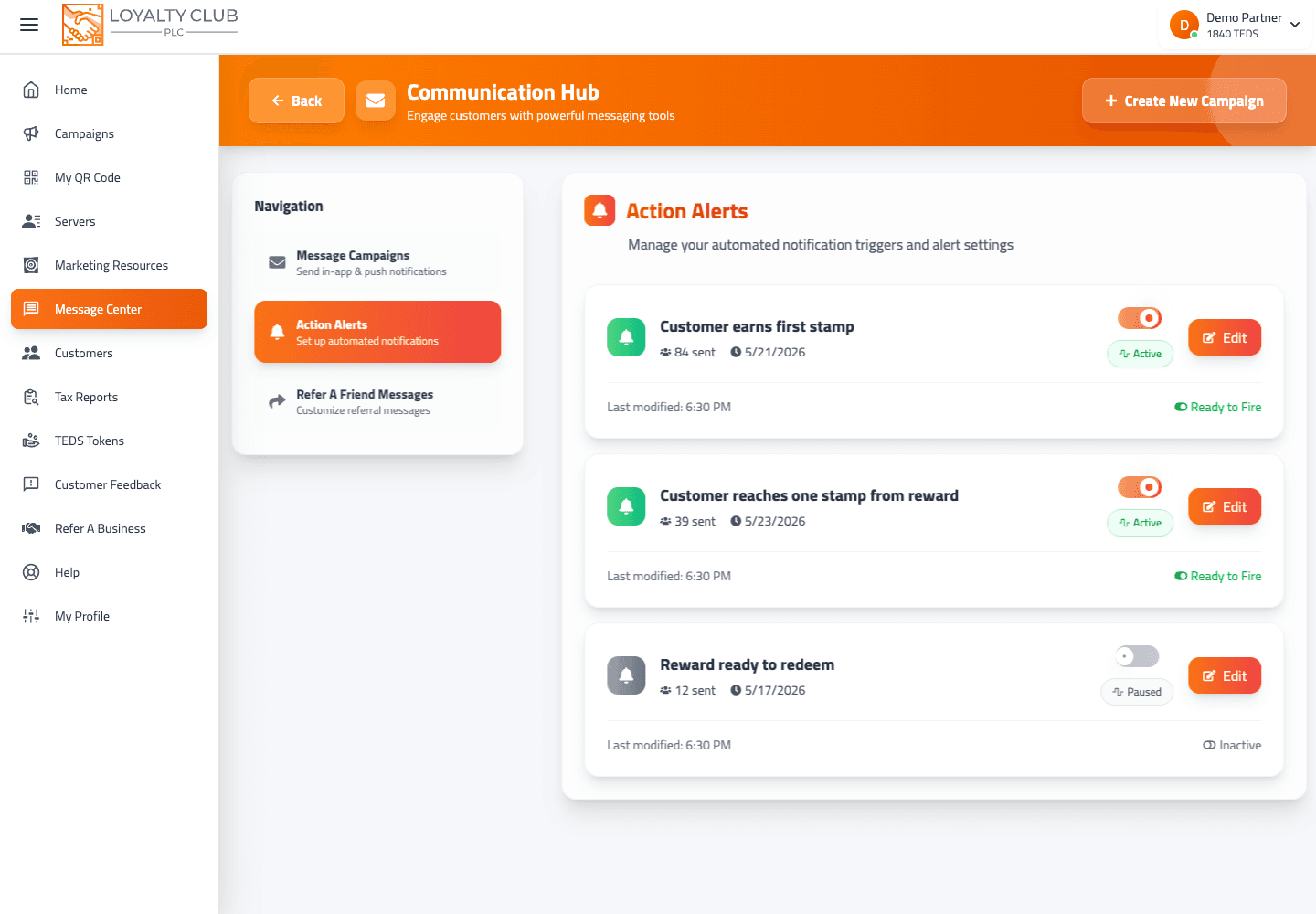
Customer alerts is the section of the Message Centre where automatic customer messages live. Each alert fires when a particular customer event happens. You may know it by its older name, Action Alerts — it is the same section.
Where it lives
/actionalerts — accessible directly or via Message Centre → Customer alerts.
The page lists your alerts. Each has:
- A trigger — the event that fires it. The alert types are Stamp Awarded, Card Completed and Milestone Reached.
- A message body.
- An on / off switch. When it is off (paused), nothing is sent.
- A sent count, so you can see how often it has fired.
Editing an alert
Tap Edit on an alert to change what customers receive, then save. The editor opens at /editalert/{alertID}.
Alerts are not emails
Customer alerts reach members in the app and by push notification. The automatic emails — the welcome when someone joins, reward ready, milestones, the dates members told you about and review requests — are a separate set that lives on the Message Centre's Emails tab, each with its own design and its own switch. See Club emails: what they are and how they send.
What to know
- Personalisation / merge tags — the alert message body is editable, but the interface does not document variable substitution for alerts. Check the preview on your account before relying on one.
- An alert that never seems to fire — it only fires when a customer does the thing it waits for. See Members aren't receiving my messages.
In one sentence
Customer alerts (/actionalerts, formerly Action Alerts) are automatic in-app and push messages with a trigger, a message and an on/off switch; the automatic emails live on the Emails tab.